Figma Toast
Figma Toast
Preview
Figma Toast
Figma Toast Component
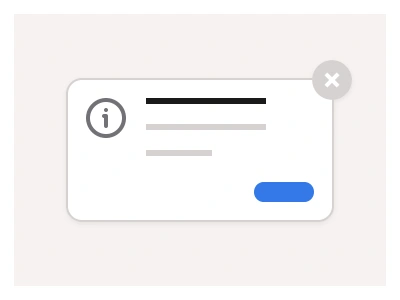
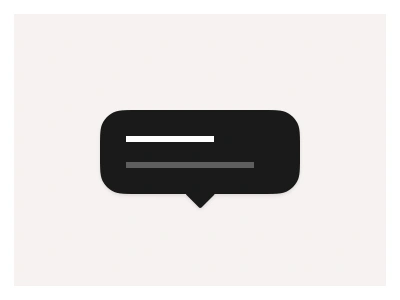
The Toast component is a short, non-blocking message that appears briefly to provide feedback about ongoing tasks. Unlike traditional Notifications, which often require user interaction and remain visible until dismissed, Toasts automatically disappear after a few seconds.
Toasts are ideal for subtle feedback like 'File saved' or 'Changes applied', while Notifications are better suited for important messages that need user attention like 'New message received' or 'Update available'.
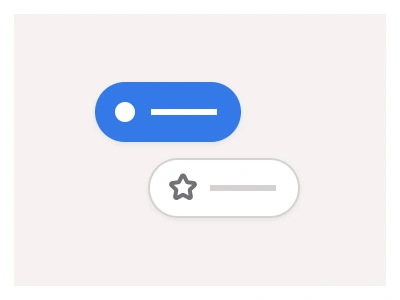
You can use Toasts to display system information at the corners of your interface, which will automatically disappear after a short delay.
Toast Anatomy
| Set | Variants | Properties |
|---|---|---|
| Toast | 12 | Type Default, Inverted, Success, DangerSize Small, Medium, Large |
Toast is one set of twelve variants — Default, Inverted, Success and Danger types at Small 76, Medium 90 and Large 116px — a short non-blocking message that appears at a screen corner and dismisses itself after a few seconds.
Toast AI Prompt
Paste this into Claude, ChatGPT, or Figma Make:
Build a toast component in Figma as one set of twelve variants: Default on a white surface, Inverted on a dark surface, Success with a green icon and tinted edge, and Danger with a red icon, each in Small 76, Medium 90 and Large 116px heights. Body: a rounded card with a soft shadow, a leading status icon, a bold title and a one-line message, a close icon on the right and, in Large, a second line with an action link such as Undo and a progress bar along the bottom that drains as the auto-dismiss timer runs. Booleans for the action link, the close icon and the progress bar. Add a Position guide frame showing toasts stacked bottom-right with a 12px gap, and a Stack component of three toasts. Wire a prototype where a Save button click shows the Success toast with a slide-and-fade in, then after a delay dismisses it with a fade out, and the close icon dismisses immediately. Bind colours to variables so the Default and Inverted types swap cleanly in dark mode.
Figma Toast
Toast
toast web design
toast component
figma toast
Interactive component
Premium Figma UI Kit & design resources
Explore high-quality Figma components, templates, and UI elements.