Figma Effects
Figma Effects
Preview
Figma Effects
Figma Effects
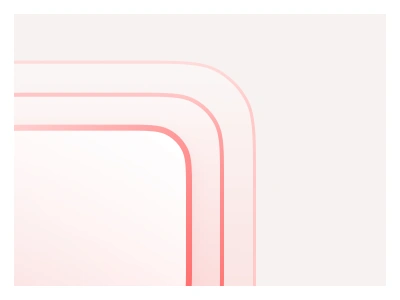
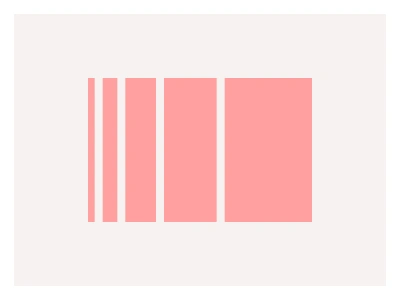
The Effects page presents essential visual parameters for UI surfaces and visual effects.
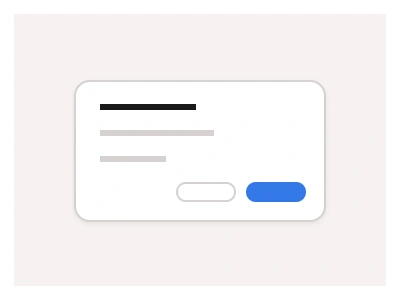
Frames X UI Kit provides styles to control shadows, depth, and blur globally across your project. Using Figma's effects features, designers can fine-tune these elements to maintain a consistent appearance of the entire interface.
The Effects page holds the kit's global effect styles — layered drop shadows for elevation levels, inner shadows and background blurs — applied as Figma effect styles so depth stays consistent across every surface.
Effects AI Prompt
Paste this into Claude, ChatGPT, or Figma Make:
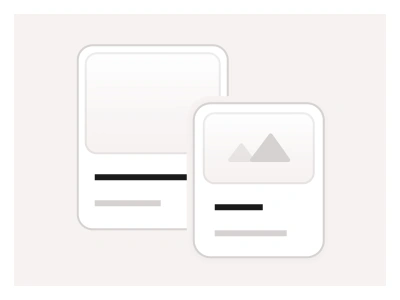
Build an effects style system in Figma. Elevation: five drop-shadow styles named Elevation 1 to 5, each made of two stacked shadows — a tight ambient shadow at low opacity plus a softer, larger offset shadow — growing from a 1px card lift to a 24px floating panel, with a dark-mode variant of each using lower opacity. Surfaces: an inner-shadow style for pressed buttons and inset inputs, and a focus-ring style built as a 2px spread shadow in the accent colour. Blur: Background blur styles at 8, 16 and 32px for glass headers, overlays and modals, and a layer blur for disabled or loading content. Lay out a specimen sheet: a row of identical cards each carrying one elevation on light and dark backgrounds, a pressed and raised button pair, an input in focus, and a frosted header over an image. Name every style by role rather than value so swapping the shadow recipe later never touches a component.
Source
Type
Styles
Figma Effects
Effects
ui shadows
figma blur
effects styles
Styles
Premium Figma UI Kit & design resources
Explore high-quality Figma components, templates, and UI elements.