Figma Checkout
Figma Checkout
Preview
Figma Checkout Template
Figma Checkout Template
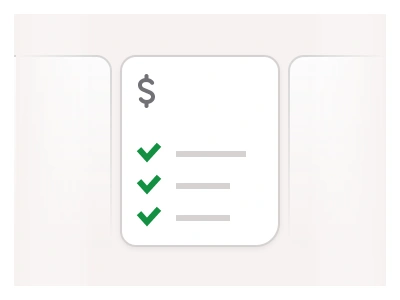
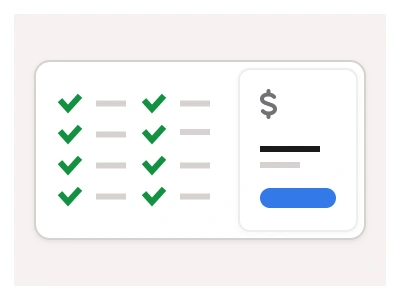
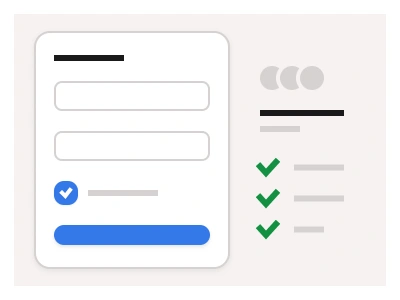
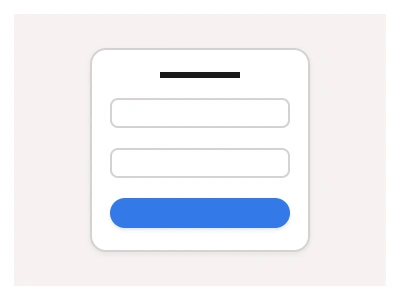
Checkout templates include e-commerce layouts for shopping carts, payment sections, and checkout forms, with ready-to-use and interactive components such as Figma Sliders and Forms to help you get started. You can combine different checkout layouts into a single purchase flow or mix them with other layouts in Figma.
The checkout template is a set of e-commerce blocks — shopping cart, payment section and checkout form — built from the kit's interactive form components and combinable into one purchase flow inside the Figma Website Builder.
Where checkout sits in the e-commerce set
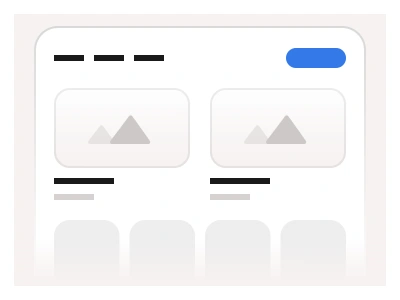
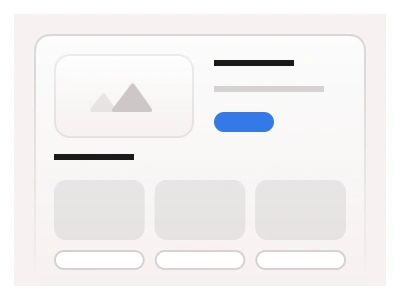
The kit splits a shop into three pages. Storefront covers browsing: category grids, product cards and filters. E-commerce UI covers the product page and the add-to-cart moment. Checkout covers everything after the cart button: the line-item review, the shipping form, the payment step and the order confirmation. Keeping the three apart means a redesign of the product page never touches the payment form, and the checkout blocks can be dropped into a non-shop flow such as a subscription upgrade.
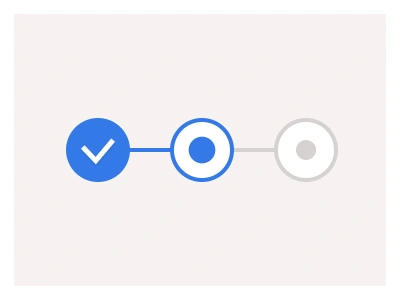
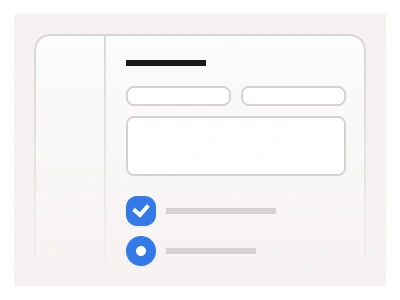
The three checkout blocks share one stepper across the top, so stacking Cart, Shipping and Payment in one frame produces a working prototype with no extra wiring. Form fields are instances of the kit's Text input, Radio group and Checkbox components with their error and filled states intact, and the order summary card uses the same Counter as the cart, so a quantity change reads the same in both places. On mobile the summary collapses under the form and the primary button stays pinned to the bottom edge.
Checkout AI Prompt
Paste this into Claude, ChatGPT, or Figma Make:
Build a checkout flow in Figma for desktop and mobile as three combinable blocks. Cart: a list of line items with product image, name, variant text, a quantity counter and a line price, a Remove link on each, and a right-hand order summary card with subtotal, shipping, tax, a promo-code input with Apply button and a bold total above a Proceed to checkout button. Shipping form: contact email, first and last name, address with autocomplete, city, postcode and country select, a phone input, a saved-address radio list and a delivery-method radio group showing carrier, speed and price. Payment: a tabbed selector for Card, PayPal and Apple Pay, card number with brand icon, expiry and CVC inputs, a billing-same-as-shipping checkbox, and a Pay now primary button with a lock icon and the total. Add a stepper across the top showing Cart, Shipping, Payment with the active step highlighted. On mobile stack the summary below the form and keep the primary button pinned to the bottom.
Checkout blocks are part of the Figma Website Builder. This component allows you to quickly assemble websites with Figma Sites.
Figma Checkout Template
Figma Checkout
checkout template
checkout page
figma checkout
Website examples
Premium Figma UI Kit & design resources
Explore high-quality Figma components, templates, and UI elements.