Figma Navbar
Figma Navbar
Preview
Figma Navigation Bar
Figma Navigation Bar
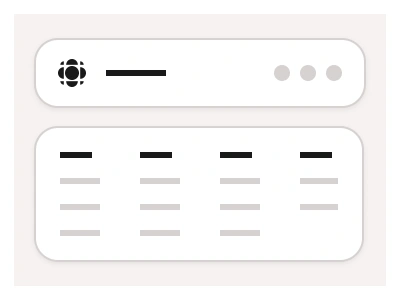
The Navbar component offers consistent, global navigation for websites and applications. Place the navigation bar at the top of any screen to ensure consistent global navigation for your website or application users.
Using the Navbar component properties, you can customize the content of the Navbar, including search fields, buttons, logos, or any other nested elements.
Navigation Bar Anatomy
| Set | Variants | Properties |
|---|---|---|
| Navbar | 12 | Type Search, ButtonsAlign Logo Left, Logo CenterSize Desktop, Tablet, Mobile |
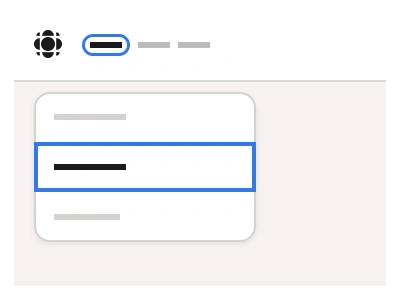
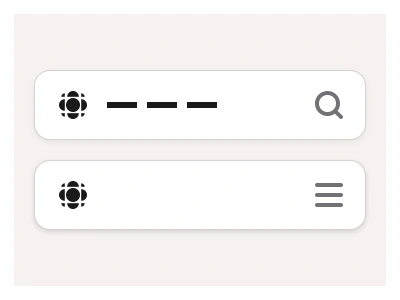
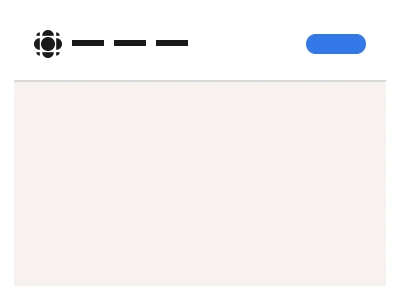
Navbar ships in Search and Buttons types, Logo Left and Logo Center alignments, and Desktop (68px), Tablet (68px) and Mobile (56px) sizes, assembled from a 15-type NavbarItem set covering logo, menu links, search fields, buttons, a back link and user avatar slots.
Navigation Bar AI Prompt
Paste this into Claude, ChatGPT, or Figma Make:
Build a navigation bar in Figma from two component sets. NavbarItem: one set with fifteen types — Logo, Menu, small and default Icons, small and default Search fields, small and default Search Boxes, small and default Buttons, Menubar, Menu Navigation, Back, User Name and User Avatar — each a self-contained auto-layout block. Navbar: compose those items into a full-width bar in two types — Search, where a search field sits between the menu links and the right-side actions, and Buttons, where a ghost login button and a filled blue sign-up button close the bar. Give it Logo Left and Logo Center alignments and three sizes: Desktop and Tablet at 68px height, Mobile at 56px with the link row collapsed behind the Menu item next to the logo. Keep the bar's horizontal padding and gaps on auto layout, give the active link the strongest text colour, and keep the primary button a nested instance so changing its label never shifts the layout.
Figma Navigation Bar
Navigation Bar
figma navigation bar
figma navigation bar prototype
figma navigation bar template
Interactive component
Premium Figma UI Kit & design resources
Explore high-quality Figma components, templates, and UI elements.