Figma Tree View
Figma Tree View
Preview
Figma Tree View
Figma Tree View Component
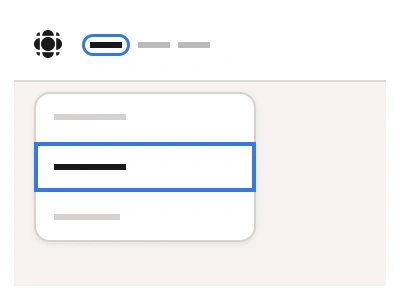
The Tree View component is a UI element for the hierarchical representation of data. The Tree View or node tree displays nested elements, files, or folders in a visually collapsible structure.
The Tree View component allows for custom node styling using component properties in Figma.
Tree View Anatomy
| Set | Variants | Properties |
|---|---|---|
| TreeItem | 12 | Size Small, Medium, LargeLevel 1st, 2nd, 3rd, 4rd |
Tree View is built from a TreeItem of twelve variants — Small 24, Medium 28 and Large 32px rows at nesting levels 1st to 4th — with chevron, icon and label slots for collapsible folder and node hierarchies.
Tree View AI Prompt
Paste this into Claude, ChatGPT, or Figma Make:
Build a tree view component in Figma from a TreeItem set. TreeItem: a row with a chevron that points right when collapsed and down when expanded, a folder or file icon, a label and an optional count badge or trailing action icon, in Small 24, Medium 28 and Large 32px heights, with a Level property of 1st, 2nd, 3rd and 4th that indents the row by one step per level and draws a faint vertical guide line for nested levels. States: Default, Hover with a light fill, Selected with an accent tint, and a Leaf Boolean that hides the chevron. Compose a TreeView frame of fifteen rows in a vertical auto layout showing a project structure — folders expanded to the third level, files as leaves, one row selected. Add a checkbox variant for multi-select trees with indeterminate parents. Wire the chevron as an interactive component that toggles a Collapsed and Expanded pair of frames in a prototype, and bind colours and the indent step to variables so the tree matches sidebars and file managers in light and dark mode.
Figma Tree View
Tree View
model view template
tree view component
figma tree view
Interactive component
Premium Figma UI Kit & design resources
Explore high-quality Figma components, templates, and UI elements.