Figma Sales
Figma Sales
Preview
Figma Sales
Figma Sales Template
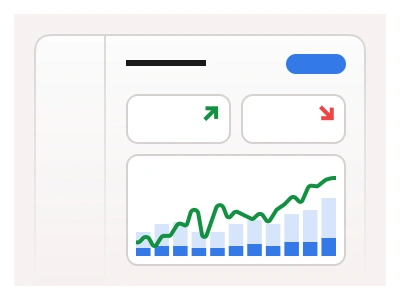
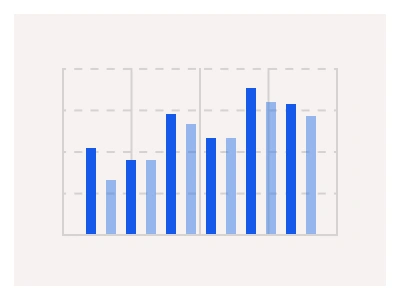
The Sales dashboard template displays key information about sales performance, including the number of total orders, the average rate per sale, and additional trade information.
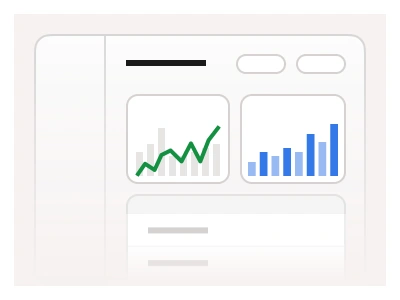
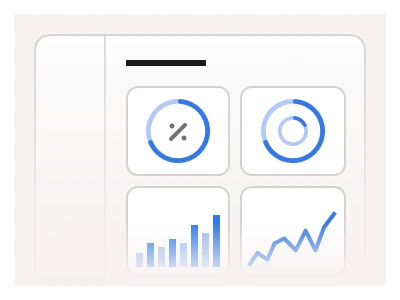
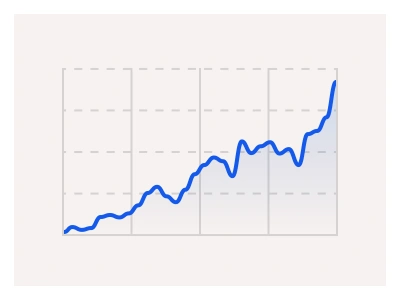
The sales dashboard template tracks sales performance — total orders, average sale value and trade metrics — as stat cards, a revenue chart, a products table and a regional breakdown.
Sales AI Prompt
Paste this into Claude, ChatGPT, or Figma Make:
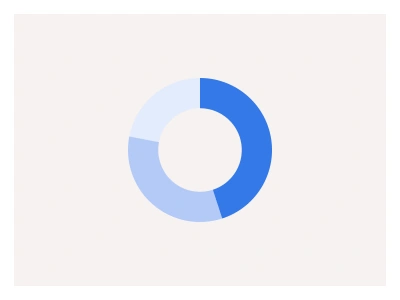
Build a sales dashboard in Figma for desktop, tablet and mobile. Header: a Sales title, a date-range picker, a store select and a Download report button. KPI row: Total orders, Revenue, Average order value and Conversion rate cards, each with a value, a delta badge versus the previous period and a sparkline. Main: a Revenue over time line chart with a daily and weekly toggle and a tooltip, beside an Orders by channel donut — Online, Retail, Wholesale — with a legend. Second row: a Top products table with thumbnail, name, SKU, units sold, revenue and a trend arrow, a Sales by region horizontal bar chart with five regions, and a Recent orders list with order number, customer avatar and name, status badge for Paid, Shipped and Refunded, and amount. Add a left sidebar with Dashboard, Orders, Products, Customers and Reports. Stack the charts on tablet and turn tables into cards on mobile. Keep numbers on tabular figures and bind chart colours to the kit's chart variables.
Figma Sales
Figma Sales
sales dashboard
dashboard sales performance
figma sales
Figma dashboard
Premium Figma UI Kit & design resources
Explore high-quality Figma components, templates, and UI elements.