Figma Widget
Figma Widget
Preview
Figma Widget
Figma Widget Component
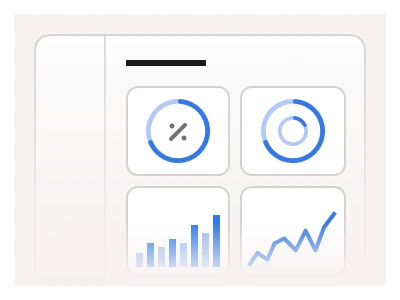
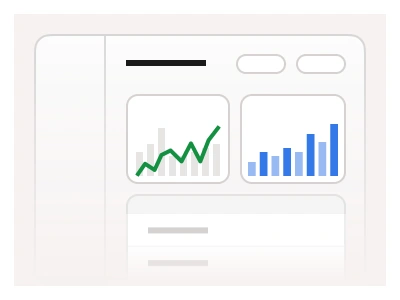
Most dashboards repeat one block: a card with a single metric, chart or list inside. The widget is that card. Frames X ships 17 widget sets, each in Mobile, Tablet and Desktop sizes, and the cards float or dock into panels, so a screen assembles from instances.
Widgets were first introduced in Frames X UI Kit v2.5, along with new spacing Figma variables. Check out this quick demo video to learn how to use Widget components combined with the full power of Figma variables.
What is in the widget set
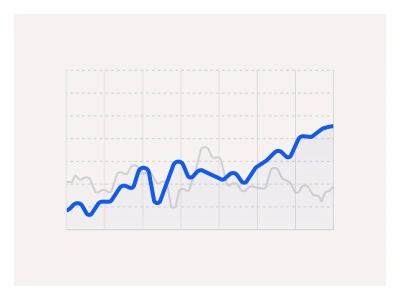
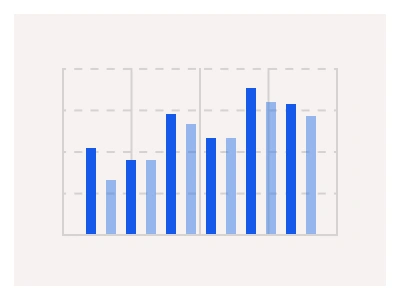
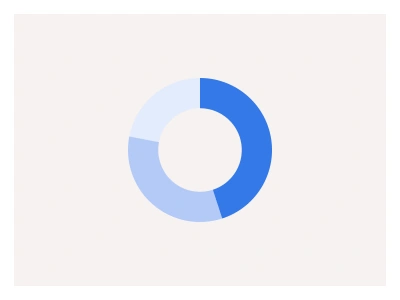
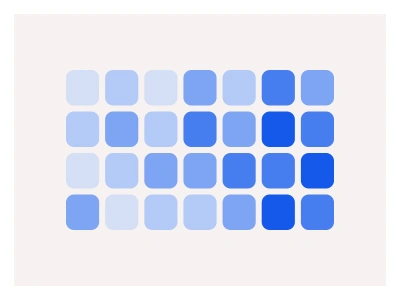
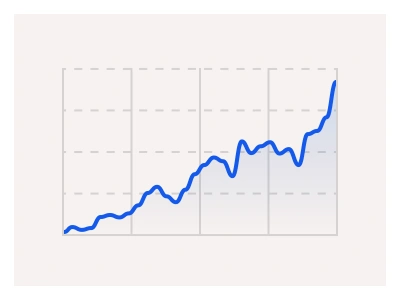
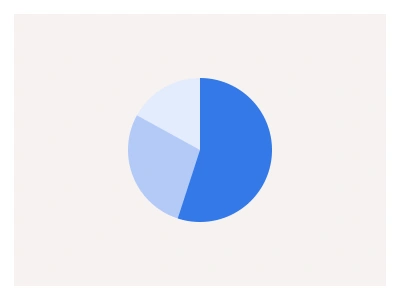
Charts. Bar, line, bar-line, ratio and a heatmap, smaller takes on the kit’s full Figma charts.
Finance. Balance, bank card, expenses, transactions, trades and market cards for banking and trading screens.
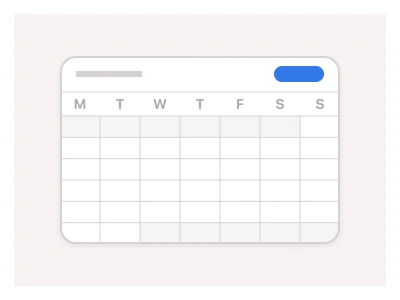
Activity. To-do, timeline, calendar, message, notification and user cards for product dashboards.
How to make a dashboard widget in Figma
Start with the card. A rounded frame in auto layout with padding and a surface fill is the base every widget shares.
Add the header row: the metric name on the left, a menu or a time-range control on the right.
Drop in the content. One chart, one list or one number per card, and a second metric gets its own widget.
Turn the card into a component set with a Size property, so one widget serves phone, tablet and desktop grids.
Compose the dashboard from instances on a layout grid and swap the content per slot.
Dashboard widget best practices
Keep one metric per card. When a card needs a second number, you could split it into its own widget.
Size by importance. The number the team checks daily takes the big card, and supporting metrics take the small ones.
Align to one grid. Three widget sizes only look tidy when the columns and gutters stay fixed.
Keep one y-axis scale across charts that share a metric, so a taller bar always means a bigger number.
Bind fills, borders and text to variables. The whole dashboard restyles in one change.
Widget Anatomy
| Set | Variants | Properties | Copy to Figma |
|---|---|---|---|
| WidgetChartBar | 3 | Size Mobile, Tablet, Desktop | |
| WidgetHeatmap | 3 | Size Mobile, Tablet, Desktop | |
| WidgetChartLine | 3 | Size Mobile, Tablet, Desktop | |
| WidgetRatio | 3 | Size Mobile, Tablet, Desktop | |
| WidgetChartBarLine | 3 | Size Mobile, Tablet, Desktop | |
| WidgetTrades | 3 | Size Mobile, Tablet, Desktop | |
| WidgetMessage | 3 | Size Mobile, Tablet, Desktop | |
| WidgetTodo | 3 | Size Mobile, Tablet, Desktop | |
| WidgetExpenses | 3 | Size Mobile, Tablet, Desktop | |
| WidgetUser | 3 | Size Mobile, Tablet, Desktop | |
| WidgetBalance | 3 | Size Mobile, Tablet, Desktop | |
| WidgetNotification | 3 | Size Mobile, Tablet, Desktop | |
| WidgetTransactions | 3 | Size Mobile, Tablet, Desktop | |
| WidgetTimeline | 3 | Size Mobile, Tablet, Desktop | |
| WidgetBankCard | 3 | Size Mobile, Tablet, Desktop | |
| WidgetCalendar | 3 | Size Mobile, Tablet, Desktop | |
| WidgetMarket | 3 | Size Mobile, Tablet, Desktop |
The file carries 17 widget sets in Mobile, Tablet and Desktop sizes, 51 variants across chart, finance and activity cards.
Widget AI prompt
Paste this into Claude, ChatGPT, or Figma Make:
Build a dashboard widget component set in Figma. Structure: a rounded card frame in auto layout with a header row holding the metric name on the left and a menu on the right, and a content slot below for one chart, list or number. Add a Size property with Mobile, Tablet and Desktop variants, make the content a swappable instance, and bind fills, borders and text to theme variables so one card base serves charts, balances and to-do lists.
Figma widgets FAQ
What is a widget component in Figma?
A self-contained dashboard card with one metric, chart or list inside. The kit ships 17 sets in three sizes each, covering chart, finance and activity content.
Are these the same as Figma’s own widgets?
No. Figma’s widgets are small apps that run on the canvas in FigJam and Design files. These are design components, cards you compose dashboards from, with no code involved.
What is the difference between a widget and a component?
Every widget is a component, a card-level one. Buttons and inputs are the atoms, and the widget is the composed block a dashboard repeats. Each set nests the smaller kit components and exposes a Size property.
Which templates use the widget components?
The analytics, reports and widgets dashboard templates compose from the same sets, so a card moves between them without a restyle.
Can you resize a widget for mobile?
Yes. Every set ships Mobile, Tablet and Desktop variants, so a dashboard reflows by switching the Size property instead of redrawing the card.
Figma Widget
Widget
widget templates
web widgets
widget component
Interactive component
Premium Figma UI Kit & design resources
Explore high-quality Figma components, templates, and UI elements.