Figma CTA
Figma CTA
Preview
Figma CTA
Figma CTA Blocks
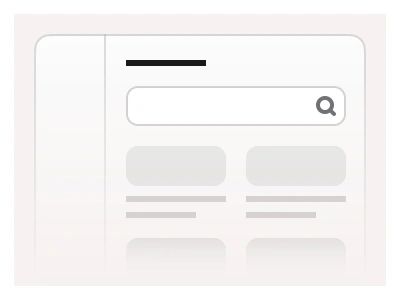
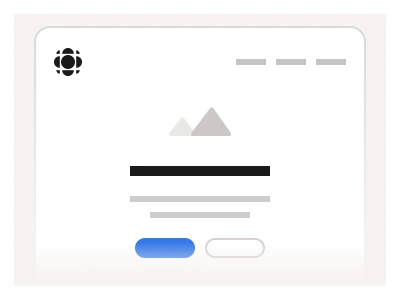
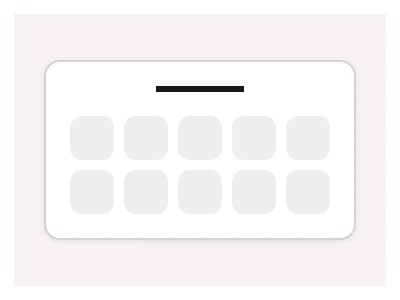
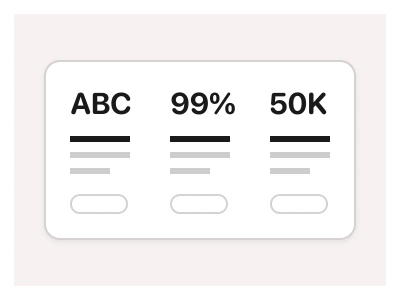
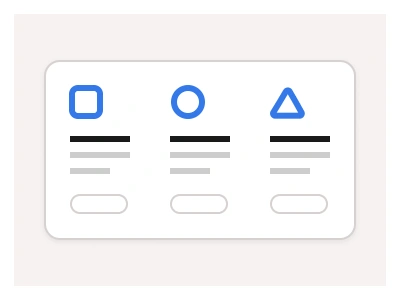
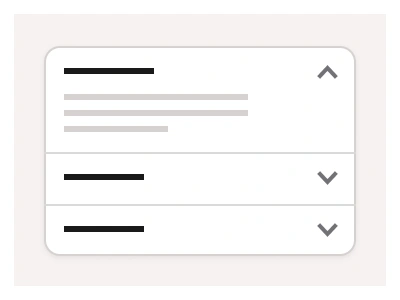
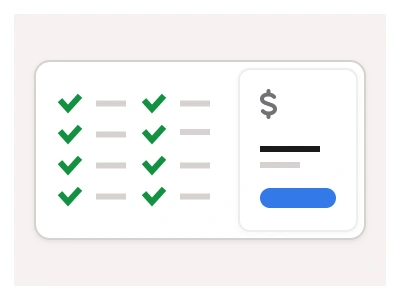
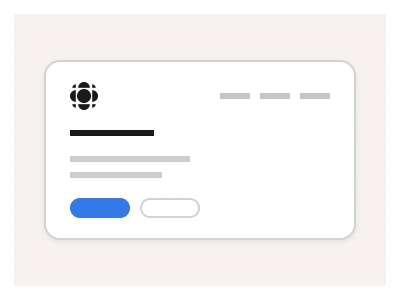
CTA (Call to Action) examples are designed to prompt user engagement on your website. These components create effective interfaces like newsletter signups, subscription forms, download sections, and login pages that require visitors to take action.
CTA blocks are high-converting call-to-action sections — newsletter signups, subscription forms, download sections and login prompts — built from the kit's buttons and inputs for the Figma Website Builder.
CTA AI Prompt
Paste this into Claude, ChatGPT, or Figma Make:
Build a set of call-to-action blocks in Figma for desktop, tablet and mobile. Newsletter: a centred headline, a one-line promise, an email input with an inline Subscribe button and a small privacy note. Download: a split block with an app screenshot on one side and a headline, three benefit bullets and App Store and Google Play badge buttons on the other. Free trial: a full-width accent-coloured band with a bold headline, subtext and a white primary button next to a ghost secondary button. Login prompt: a card with a headline, social sign-in buttons for Google and Apple, a divider reading or, email and password inputs and a Continue button with a sign-up link underneath. Banner: a slim sticky bar with a short message and a single button and a close icon. Keep headline, body, inputs and buttons as nested kit instances, stack side-by-side layouts into one column on mobile, and bind backgrounds to variables so each block drops into light or dark pages.
CTA examples offer high-converting layouts that are perfect for creating impactful landing pages, login pages, and website designs. Each block features a clear structure combining compelling call-to-action copy with intuitive Buttons or Forms that guide users toward key user actions.
CTA blocks are part of the Figma Website Builder. This component allows you to quickly assemble websites with Figma Sites.
Figma CTA
Figma CTA
cta design
cta examples
cta template
Website examples
Premium Figma UI Kit & design resources
Explore high-quality Figma components, templates, and UI elements.