Figma Menu Navigation
Figma Menu Navigation
Preview
Figma Menu Navigation
Figma Menu Navigation
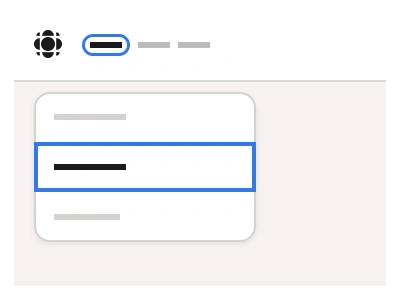
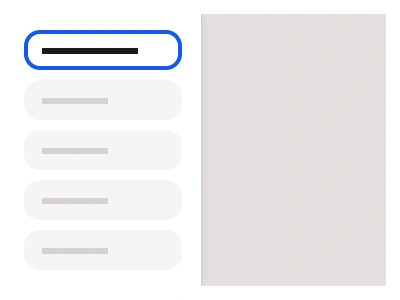
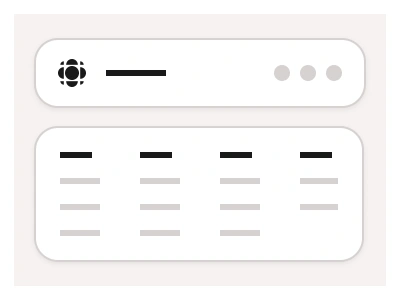
The Menu Navigation or Mega Menu component offers a structured set of top-level links for navigating your website or application.
Compared to the Menubar, the Menu navigation menu can fit more links and is boosted with larger link previews or images.
Menu Navigation Anatomy
| Set | Variants | Properties |
|---|---|---|
| MenuNavigation | 21 | Size Large, Medium, SmallItems x2, x3, x4, x5, x6, x7, x8 |
| NavigationItem | 9 | Size Small, Medium, LargeState Focused, Hover, Inactive |
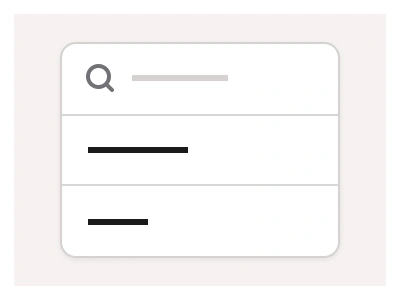
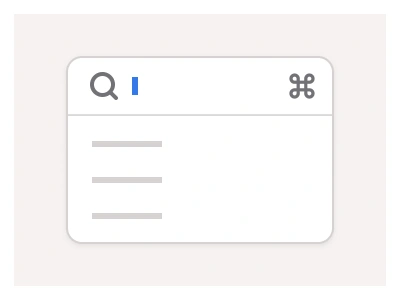
MenuNavigation holds two to eight top-level items at 36, 44 or 48px heights; each NavigationItem carries Inactive, Hover and Focused states, and the MenuContent dropdown panel comes in Desktop, Tablet and Mobile sizes with four or six NavItem link rows at 64 or 78px.
Menu Navigation AI Prompt
Paste this into Claude, ChatGPT, or Figma Make:
Build a mega-menu navigation in Figma from four component sets. NavigationItem: a top-level link with a label and a small chevron, in Small 36px, Medium 44px and Large 48px heights, with Inactive, Hover and Focused states — Focused tints the label and flips the chevron. MenuNavigation: a horizontal row composing two to eight NavigationItem instances through an Items property from x2 to x8, in the same three sizes. MenuContent: the dropdown panel that opens under a focused item, in Desktop, Tablet and Mobile sizes holding four or six link rows in a grid with generous padding and a soft shadow. NavItem: one row inside the panel at 64 or 78px height — an icon or image preview on the left, a bold link title with a one-line grey description beside it, and Default and Hover states where hover fills the row background. Wire NavigationItem and MenuContent as interactive components so hovering a top-level item opens its panel in a prototype, and keep every size on auto layout so changing the item count never needs manual realignment.
Figma Menu Navigation
Navigation
menu navigation example
navigation component
figma navigation
Interactive component
Premium Figma UI Kit & design resources
Explore high-quality Figma components, templates, and UI elements.