Figma Mail App
Figma Mail App
Preview
Figma Mail App
Figma Mail App Template
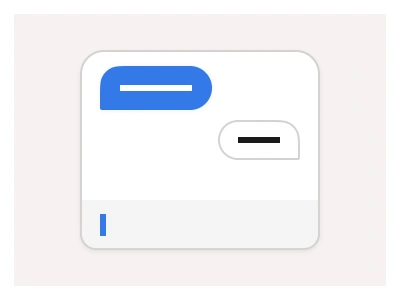
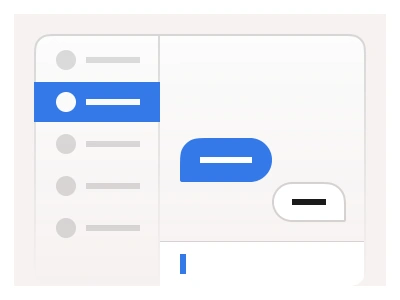
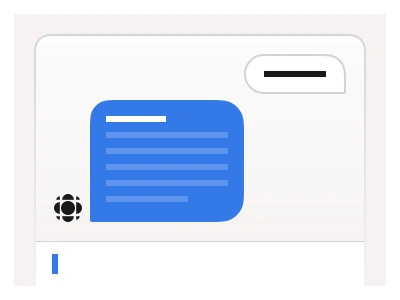
The Mail template displays the inbox with a list of received emails, each showing the sender, subject, tags, and an open conversation UI on the right.
The email app UI includes a Sidebar Menu with sorted email categories and a main composer zone for sending emails.
The mail template is a three-pane email client — a sidebar of sorted categories, an inbox list showing sender, subject and tags, and an open conversation on the right with a composer for replies.
Mail AI Prompt
Paste this into Claude, ChatGPT, or Figma Make:
Build a mail app interface in Figma for desktop and mobile. Left sidebar: a Compose primary button, folders for Inbox with an unread count, Starred, Sent, Drafts, Archive and Trash, then a Labels group with coloured dots for Work, Personal and Finance. Middle pane: a search input with a filter icon, tabs for Primary, Social and Promotions, and a list of email rows showing sender avatar, sender name in bold when unread, subject, a one-line preview, label chips, a star icon and the time, with hover revealing archive and delete icons. Right pane: the open conversation — subject as a heading, each message as a card with avatar, sender, recipients, timestamp and body, an attachments row of file chips, Reply, Reply all and Forward buttons, and a reply composer at the bottom with a rich-text toolbar, attach icon and Send button. Mobile: the three panes become three screens linked in a prototype with a bottom tab bar. Bind colours to variables for dark mode.
Figma Mail App
Figma Mail App
email dashboard
mail design
mail app dashboard
Figma dashboard
Premium Figma UI Kit & design resources
Explore high-quality Figma components, templates, and UI elements.