Figma Browser
Figma Browser
Preview
Figma Browser
Figma Browser Component
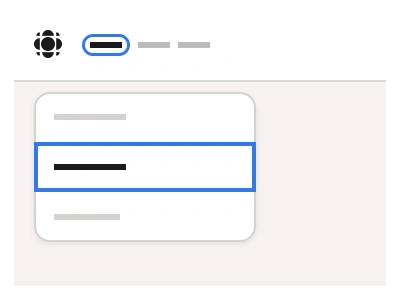
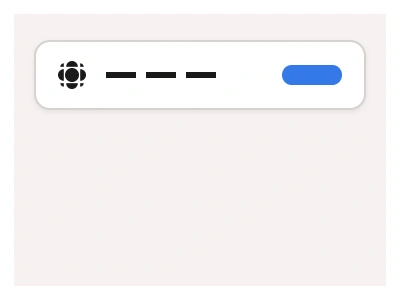
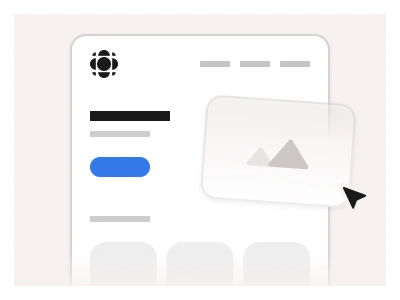
The Browser component includes mockups of popular web browsers such as Chrome, Safari, and Firefox.
You can use browser components instead of Carousels or standard frames to present your design in a customizable and detailed browser mockup.
Browser Anatomy
| Set | Variants | Properties |
|---|---|---|
| BrowserMockup | 9 | Type Chrome, Safari, FirefoxSize Desktop, Tablet, Phone |
BrowserMockup is one set of nine variants — Chrome, Safari and Firefox frames at Desktop, Tablet and Phone sizes — with an editable address bar and a content slot for dropping in a design.
Browser AI Prompt
Paste this into Claude, ChatGPT, or Figma Make:
Build a browser mockup component in Figma as one set of nine variants: Chrome, Safari and Firefox, each in Desktop, Tablet and Phone sizes. Chrome: a tab strip with one active tab showing a favicon and title, a plus tab, then a toolbar with back, forward and reload icons, a rounded address bar with a lock icon and URL text, and a profile avatar with a menu dot on the right. Safari: a unified toolbar with traffic-light dots on the left, a centred address field with a reload icon, and share and tabs icons on the right. Firefox: a tab strip with a rounded active tab and a toolbar with the URL field and a shield icon. Below each toolbar place a full-width content slot — an empty frame instance-swappable for any screen design. Phone sizes use a mobile address bar at the bottom for Safari and top for Chrome. Keep the window corners rounded with a soft shadow, and set the content slot to fill so screens drop in without resizing.
Figma Browser
Browser
figma browser template
browser mockup
browser design
Helper component
Premium Figma UI Kit & design resources
Explore high-quality Figma components, templates, and UI elements.