Figma Pagination
Figma Pagination
Preview
Figma Pagination
Figma Pagination Component
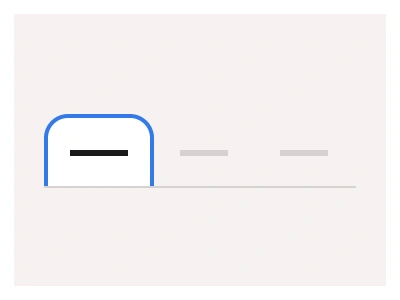
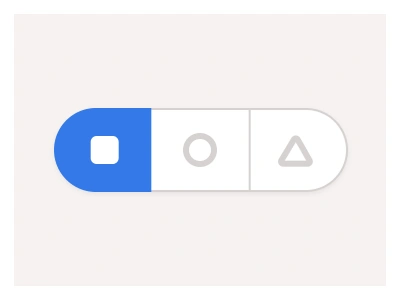
The Pagination component communicates the number of elements available to load within the current screen, page, or observable frame.
The pagination displays multiple steps or elements under a compact view. It is available in 3 matching types to help align it with any part of your interface.
Pagination Anatomy
| Set | Variants | Properties |
|---|---|---|
| Pagination | 84 | Type Dots, Swipes, DefaultSize XL, Large, Medium, SmallItems 0, x2, x3, x4, x5, x6, x7 |
| PaginationItems | 54 | Type Dots, Lines, NumericSize Large, Medium, SmallItems x2, x3, x4, x5, x6, x7 |
The pagination family is three sets — Pagination in Dots, Swipes and Default types at 36 to 56px with 0 to 7 items, PaginationItems in Dots, Lines and Numeric styles, and a PageItem in Numeric and Dot types with Default, Hover and Focused states.
Pagination AI Prompt
Paste this into Claude, ChatGPT, or Figma Make:
Build a pagination component in Figma as three sets. PageItem: a single page control in Numeric type — a square with the page number — and Dot type — a small circle — in Small, Medium and Large sizes with Default, Hover and Focused states where Focused fills with the accent. PaginationItems: a row of 2 to 7 PageItem instances in Dots, Lines or Numeric styles, Lines being short bars that widen for the active page. Pagination: the complete control with previous and next arrow buttons around the items, in Default type for numbered pages with ellipsis gaps, Dots type for carousels, and Swipes type for mobile sliders, at XL 56, Large 44, Medium 44 and Small 36px heights, with an Items property from 0 to 7. Add a Boolean for a per-page select and a results count label. Wire Default to Focused on the page items as an interactive component so a prototype steps through pages, and bind colours to variables.
Figma Pagination
Pagination
pagination example
pagination component
figma pagination
Interactive component
Premium Figma UI Kit & design resources
Explore high-quality Figma components, templates, and UI elements.