Figma Blog
Figma Blog
Preview
Figma Blog
Figma Blog Template
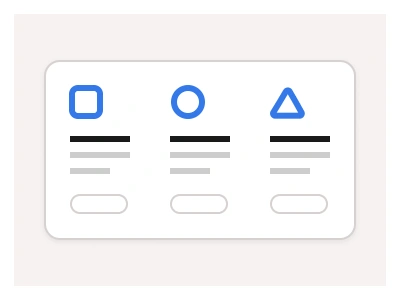
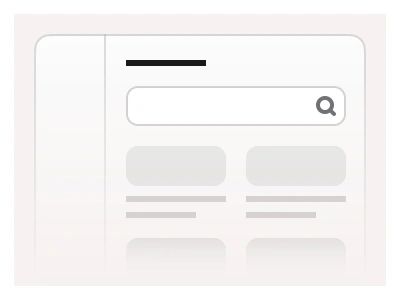
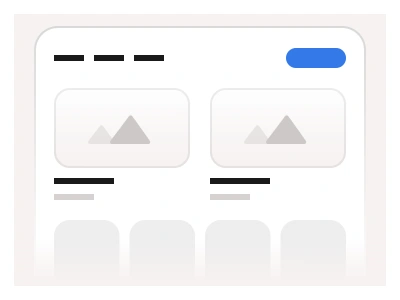
Blog examples can help you jumpstart your blog and magazine websites. These blocks showcase various layouts, including lists, grids, and card-style displays for the articles.
The blog template holds list, grid and card layouts for articles, responsive to desktop, tablet and mobile, and plugs into the kit's Figma Website Builder for Figma Sites.
Blog AI Prompt
Paste this into Claude, ChatGPT, or Figma Make:
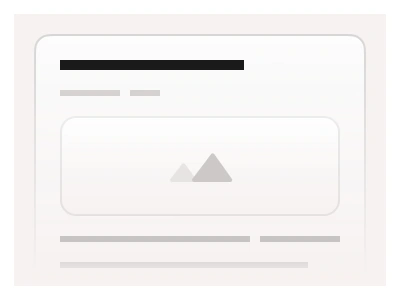
Build a blog landing page in Figma for desktop, tablet and mobile. Hero: a page title, a short tagline and a search input with a category filter row of chips — All, Design, Product, Engineering. Featured section: one large card with a wide cover image, category tag, headline, two-line excerpt, author avatar with name and date, and a read-time label. Below it three layouts the user can swap: a three-column card grid with image, headline and excerpt; a list layout with a small thumbnail on the left and text on the right, separated by dividers; and a magazine layout with one tall card beside four small ones. End with Load more and a numbered pagination row, then a newsletter block with an email input and a subscribe button. On tablet drop the grid to two columns; on mobile stack all cards full-width and move the filters into a horizontal scroll. Keep cards on auto layout so headlines wrap without breaking the rows.
Blog examples are responsive to common screen resolutions and feature components such as Cards, Avatars, and Badges to create a balanced layout.
Blog examples are part of the Figma Website Builder. This component allows you to quickly assemble websites with Figma Sites.
Figma Blog
Figma Blog
figma blog template
blog website template figma
blog figma template free
Website Builder
Premium Figma UI Kit & design resources
Explore high-quality Figma components, templates, and UI elements.