Figma Stats
Figma Stats
Preview
Figma Stats
Figma Stats Blocks
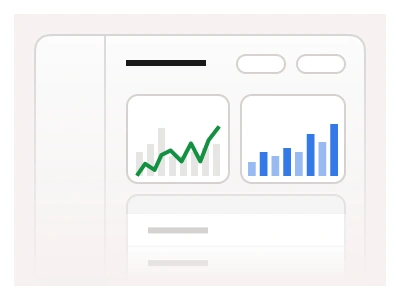
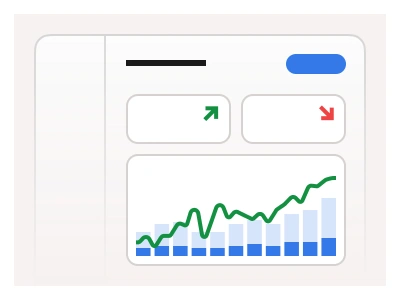
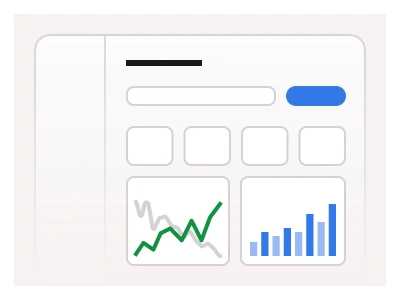
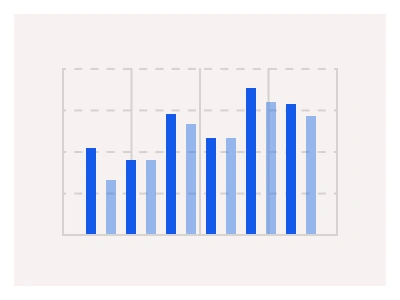
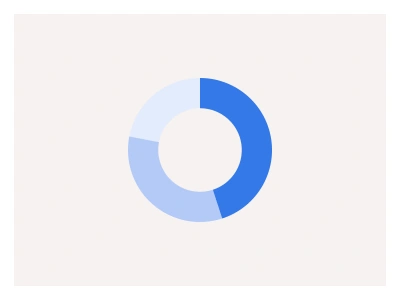
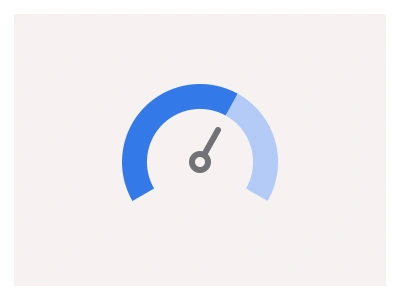
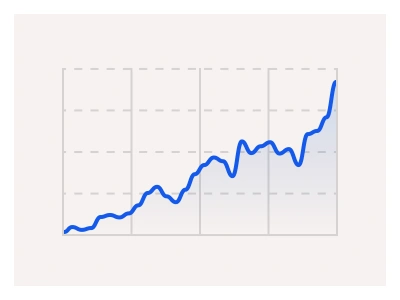
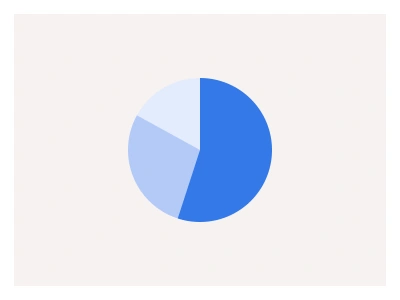
Stats website blocks present key statistics or numerical key data on a website. You can use stats blocks to highlight important numbers, metrics, features, or achievements related to your product in a bold, eye-catching way.
Stats blocks are Website Builder sections that present key numbers — metrics, achievements and feature counts — as bold figures with labels in row, grid and card layouts.
Stats AI Prompt
Paste this into Claude, ChatGPT, or Figma Make:
Build a set of stats blocks in Figma for desktop, tablet and mobile. Row: four large figures such as 10k+, 98%, 24/7 and 150 with a short label under each, evenly spaced on one line with thin dividers. Cards: three bordered cards each holding an icon, a figure, a label and a one-line description. Split: a headline and paragraph on the left with a two-by-two grid of figures on the right. Highlighted: the same row on an accent-coloured band with white text. Trend: figures paired with a small delta badge and a sparkline for product dashboards used in marketing pages. Build the figure as a component with a Count-up prototype of three variants so the number animates in on scroll, keep labels and descriptions as kit text styles, and bind colours to variables. On tablet reduce four-up rows to two-by-two; on mobile stack figures in a single column with the dividers hidden. Leave the figures neutral so brand typography sets the tone.
Stat blocks are part of the Figma Website Builder. This component allows you to quickly assemble websites with Figma Sites.
Figma Stats
Figma Stats
website features
websites stats
stats template
Website examples
Premium Figma UI Kit & design resources
Explore high-quality Figma components, templates, and UI elements.