Figma Chats
Figma Chats
Preview
Figma Chats Template
Figma Messaging
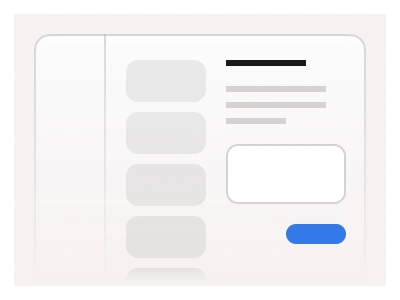
The Messaging template displays a chat list design. The messenger example features a side panel with a list of available chats and an open conversation with different types of messages organized into a dialogue layout.
The chat template is mainly designed using the Chat component. It can be customized to display different types of messages and have variants for both sender and recipient. The chat also features Tabs and Sidebar components to provide in-app navigation. For an assistant on the other end instead of a contact, use the AI chat UI kit.
The messaging template is a three-pane chat in desktop, tablet and mobile frames: an app navigation sidebar, a chat list with All Chats, Talks and Boring tabs, unread badges and online dots, and a conversation pane with date separators, a video message, sender and recipient bubbles and a composer.
Messaging AI Prompt
Paste this into Claude, ChatGPT, or Figma Make:
Build a messaging app screen in Figma for desktop, tablet and mobile. Desktop has three panes. Left: company logo, a Search field, nav rows Home, Files, Posts, Messaging (selected, outlined in blue), Analytics and Settings. Middle: a Search (⌘K) field, tabs All Chats, Talks and Boring with a 24 badge, then a list of chats; each row has a 32px avatar (some with a +2 group badge or a green online dot), a name, a truncated last message, the time right-aligned and a small unread count badge; the active chat is tinted light blue with a left accent bar. Four icon tabs sit at the bottom of the list. Right pane: a header with the contact name and Last seen recently plus search and more icons, a centred 8 May date separator, a video message card with a play button, received bubbles in light grey on the left with a timestamp, sent bubbles in brand blue with white text on the right with time and a read tick, and a composer with a plus icon, a Write a message placeholder and a sparkle AI icon. On tablet collapse the left nav to icons; on mobile show only the conversation pane.
Figma Chats Template
Figma Chats
chat design
chat template
chats dashboard
Figma dashboard
Premium Figma UI Kit & design resources
Explore high-quality Figma components, templates, and UI elements.