Figma Calendar
Figma Calendar
Preview
Figma Calendar
Figma Calendar Component
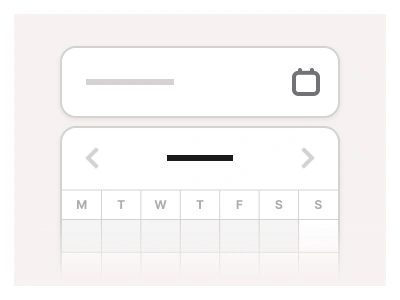
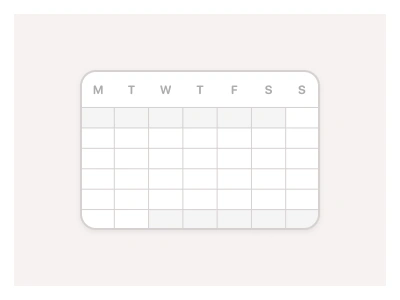
The Calendar component enables users to view upcoming tasks and events, select dates, and manage their schedules. It features intuitive, web-friendly controls for navigating through days, months, and years within the calendar interface.
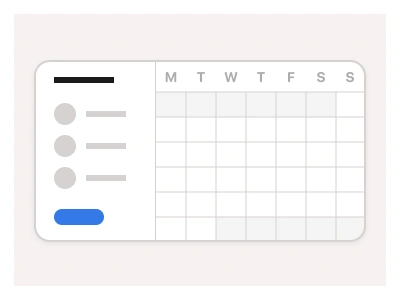
Use the calendar to create a larger section or combine them with existing components; if you want to nest a Calendar inside another component, use Calendar Sheets instead.
Calendar UI Best Practices
Don't overcustomize default styles. The main purpose of the calendar is to help users quickly and easily view, select, and manage dates. If the calendar is not clear and intuitive, users will struggle to complete their tasks;
Highlights current dates and selected dates using the component properties;
Update Calendar size and fit it to various screen sizes and resolutions using variants.
Calendar Anatomy
| Set | Variants | Properties |
|---|---|---|
| Calendar | 6 | Size Mobile, Tablet, DesktopMulti View False, True |
The Calendar template comes in Mobile 380px, Tablet 544px and Desktop 720px widths with a Multi View toggle, built from a CalendarHeader in four heights and a 21-variant CalendarSlot with Default, Hover, Current, Planned and Inactive states up to a 148px Expanded cell.
Calendar AI Prompt
Paste this into Claude, ChatGPT, or Figma Make:
Build a full calendar view in Figma as three component sets. Calendar: the complete month grid in Mobile 380px, Tablet 544px and Desktop 720px widths, with a Multi View boolean that shows two months side by side. CalendarHeader: the row above the grid with previous and next arrows, the month and year label, Today and view-switch buttons, in Small 32, Medium 44, Large 44 and Expanded 72px heights. CalendarSlot: the day cell in Small 44, Medium 56, Large 72 and Expanded 148px sizes with five states — Default, Hover with a light fill, Current with an accent ring around the date number, Planned with coloured event chips inside the cell, and Inactive for days outside the month. In the Expanded size show up to three event chips with a time and title and a +N more link. Build everything on auto layout so the grid reflows when the header or slot size changes, and bind colours for light and dark mode.
Figma Calendar
Calendar
figma calendar template
figma calendar
calendar figma template
Interactive component
Premium Figma UI Kit & design resources
Explore high-quality Figma components, templates, and UI elements.