Figma KBD
Figma KBD
Preview
Figma KBD
Figma KBD Component
The KBD component represents the <kbd> HTML element, which displays keyboard input within components or interface elements. It is commonly used to show keyboard shortcuts and key combinations.
KBD Anatomy
| Set | Variants | Properties |
|---|---|---|
| KBD | 16 | Type Text, SymbolSize XS, Small, Medium, LargeStyle Default, Primary |
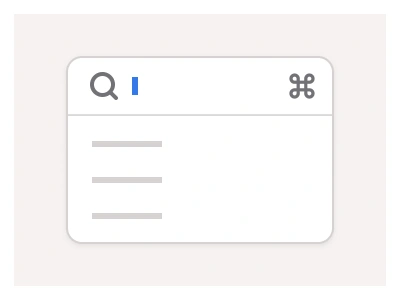
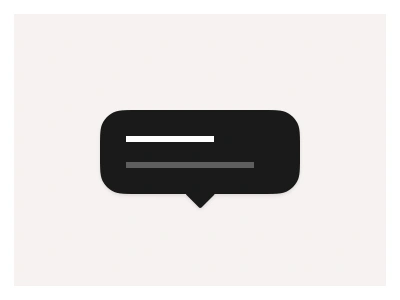
KBD is one set of sixteen variants — Text and Symbol types, XS 20, Small 24, Medium 28 and Large 32px sizes, in Default and Primary styles — the keycap element for showing shortcuts inside menus, tooltips and docs.
KBD AI Prompt
Paste this into Claude, ChatGPT, or Figma Make:
Build a KBD keycap component in Figma as one set of sixteen variants: two types, four sizes and two styles. Text type: a rounded rectangle with a 1px border, a slightly darker bottom edge to suggest a key face, and a short label such as Ctrl, Enter or K in a monospace or system font. Symbol type: the same cap holding a single glyph — ⌘, ⇧, ⌥, ⌃, ⏎, ⌫ or an arrow. Sizes: XS 20, Small 24, Medium 28 and Large 32px heights with padding scaling per size. Styles: Default on a light surface with grey text, and Primary with a tinted fill and accent text for highlighted shortcuts. Add a KeyCombo row component that lines up two to four KBD instances with a thin plus sign between them, and show usage examples: a shortcut hint inside a dropdown menu item, a tooltip reading Save ⌘S, and a documentation table listing actions and their keys. Bind the fill, border and text colours to variables so caps read correctly in dark mode.
Figma KBD
KBD
html kbd
kbd component
figma kbd
Interactive component
Premium Figma UI Kit & design resources
Explore high-quality Figma components, templates, and UI elements.