Figma Pricing Table
Figma Pricing Table
Preview
Figma Pricing Table
Figma Pricing Blocks
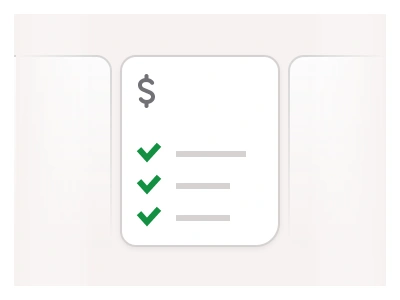
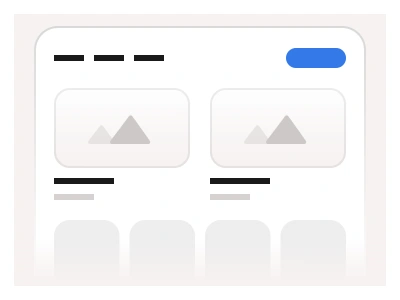
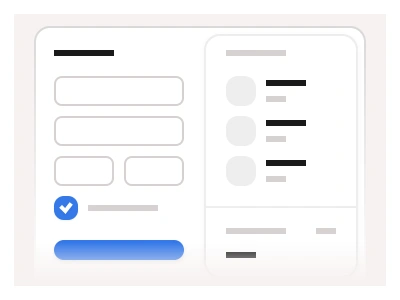
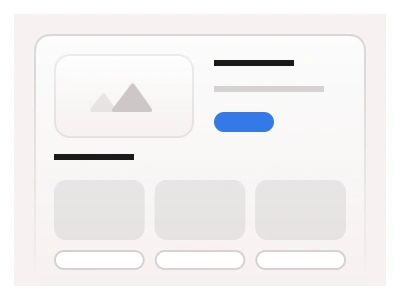
Pricing blocks display pricing information and plans on the website. They represent different pricing tiers or plans in an easy-to-compare format. Pricing blocks are made with Pricing components and stacked into horizontal or vertical layouts.
A pricing component includes a plan name, pricing details, key features, and call-to-action buttons. Pricing examples include columns, cards, and comparison table designs.
Pricing Blocks UI best practices
Always highlight a recommended or your most popular plan;
Limit pricing options to 3-4 pricing tiers to avoid overwhelming the decision-making process;
Communicate and compare the value proposition of different plans.
Pricing blocks are Website Builder page sections built from the kit's pricing cards — column, card and comparison-table layouts stacked horizontally or vertically with a highlighted recommended plan.
Pricing Blocks AI Prompt
Paste this into Claude, ChatGPT, or Figma Make:
Build pricing page blocks in Figma for desktop, tablet and mobile in three layouts. Columns: a section heading, a Monthly and Yearly toggle, and three pricing cards side by side — Starter, Pro highlighted with a Most popular badge, and Enterprise with a Contact sales button — each with price, description, a features list and a call-to-action. Cards: a two-by-two grid of compact cards with the price in the header, a short feature summary and a button, for four or more tiers. Comparison table: plan names across the top with prices and buttons, feature categories as grouped rows down the side, and tick, cross or value cells for each plan, with the highlighted plan's column tinted and a sticky header. Add an FAQ strip and a guarantee line below each block. Drop to two columns on tablet, stack cards on mobile and turn the comparison table into per-plan accordions. Keep cards, toggle and buttons as nested kit instances.
Pricing tables are part of the Figma Website Builder. This component allows you to quickly assemble websites with Figma Sites.
Figma Pricing Table
Pricing Blocks
pricing template
pricing table
pricing blocks template
Website examples
Premium Figma UI Kit & design resources
Explore high-quality Figma components, templates, and UI elements.