Figma Menu & Sidebar
Figma Menu & Sidebar
Preview
Figma Menu & Sidebar
Figma Menu Component
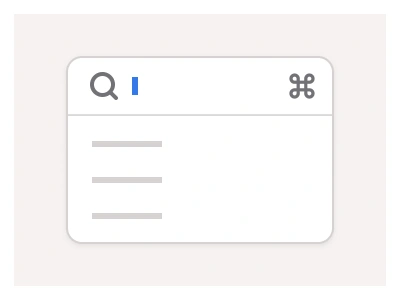
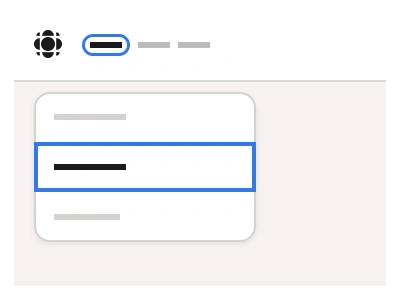
The Menu component provides users with an organized floating list. Users can use menu items and UI elements to navigate or use application and website commands.
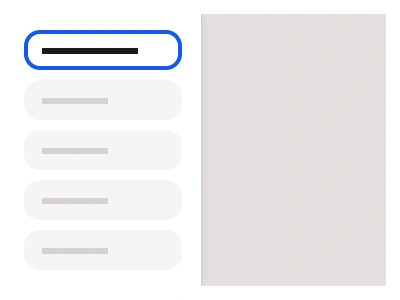
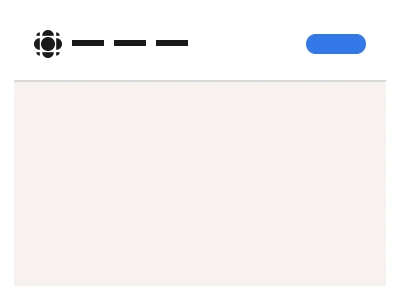
The Sidebar includes a side menu for designing dashboards and side navigation panels that can include branding elements, Buttons, and Text Field elements. Menu items work the same in both menus and sidebars - reuse them to build consistent navigation patterns.
Unlike the Drawer component, the Sidebar doesn't slide into view. Instead, it docks directly into the interface layout, providing a stable navigation presence. The Sidebar can be collapsed to provide a more compact design while still featuring important navigation options and brand elements.
Menu Anatomy
| Set | Variants | Properties |
|---|---|---|
| Sidebar | 14 | Items x4, x5, x6, x7, x8, x9, x10Collapsed False, True |
| Menu | 7 | Items x4, x5, x6, x7, x8, x9, x10 |
The menu family is three sets — a floating Menu of 4 to 10 items, a docked Sidebar of 4 to 10 items with a Collapsed state, and a MenuItem in Label and Avatar types with Default, Hover and Focused states and 8, 16 or 32px padding.
Menu AI Prompt
Paste this into Claude, ChatGPT, or Figma Make:
Build a menu and sidebar system in Figma as three component sets. MenuItem: a row with a leading icon, a label, an optional shortcut hint or badge on the right, in Label type and an Avatar type with a round avatar instead of the icon, with Default, Hover and Focused states and a Padding property of 8, 16 or 32px for nesting levels. Menu: a floating rounded card with a soft shadow listing 4 to 10 MenuItem instances, with optional section labels and dividers and a destructive red item at the end. Sidebar: a docked full-height panel with a logo header, a search field, 4 to 10 MenuItem instances grouped under headings, and a footer with the user's avatar and name; a Collapsed Boolean shrinks it to an icon rail with tooltips. Build the items as shared instances so a label change applies in both the menu and the sidebar, and wire the Collapsed toggle as an interactive component on a chevron button. Bind fills and strokes to variables for light and dark mode.
Figma Menu & Sidebar
Menu
menu examples
sidebar example
menu component
Interactive component
Premium Figma UI Kit & design resources
Explore high-quality Figma components, templates, and UI elements.