Figma Whiteboards
Figma Whiteboards
Preview
Figma Whiteboards
Figma Whiteboard Template
Whiteboards include templates for brainstorming, such as impact graphs, retrospectives, and to-do boards—all designed to support and inspire your team’s sprint planning.
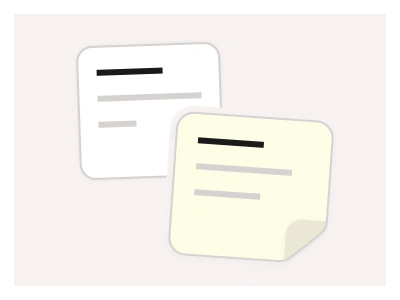
You can combine whiteboards with Figma annotations and sticky notes components to enhance collaboration and creative thinking during team sessions. This makes ideas easier to capture and organize in Figma.
Whiteboard templates cover sprint-planning rituals — impact graphs, retrospectives and to-do boards — built from the kit's sticky notes, annotation arrows and cursors for collaborative sessions.
Whiteboard AI Prompt
Paste this into Claude, ChatGPT, or Figma Make:
Build a set of whiteboard templates in Figma for team sessions. Retrospective: a three-column board for What went well, What didn't and Action items, each column a titled frame filled with sticky notes in yellow, blue and green, with a vote-dot component to tally priorities and a timer card in the corner. Impact graph: a two-by-two matrix with Effort across the bottom and Impact up the side, quadrant labels Quick wins, Big bets, Fill-ins and Avoid, and sticky notes placed in each quadrant. To-do board: a kanban of To do, Doing and Done columns with task cards holding a title, an assignee avatar and a due-date chip. Brainstorm: a central topic bubble with branching idea notes and annotation arrows connecting them. Add a shared toolkit frame of sticky notes in four colours, arrow connectors, cursor components with name tags for participants, and a facilitator checklist. Keep notes and arrows as nested kit instances so sessions can grab them from one library and bind colours to variables.
Figma Whiteboards
Figma Whiteboard
whiteboards
whiteboard template
figma whiteboard
Website examples
Premium Figma UI Kit & design resources
Explore high-quality Figma components, templates, and UI elements.