Figma File Manager
Figma File Manager
Preview
Figma File Manager
Figma File Manager Template
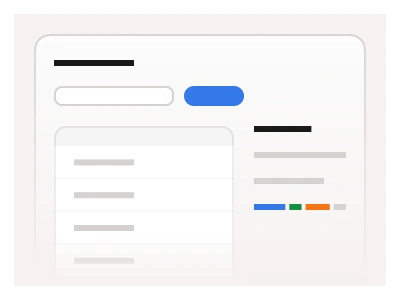
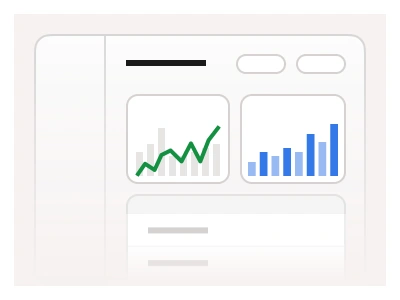
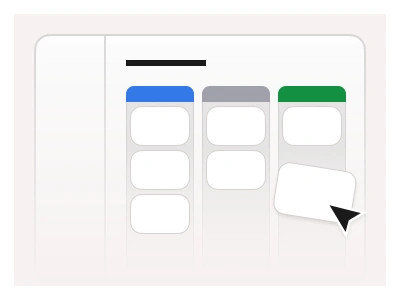
The file manager includes a structured UI for organizing files into separate folders. The file manager example includes the Tabs component to switch between different views of table data.
The file manager example includes a Breadcrumbs component to display users' file location and a Progress bar component to display the amount of space left for the current account.
The file manager template organises files into folders with a tab list switching table views, breadcrumbs showing the current location and a storage progress bar for the account's remaining space.
File Manager AI Prompt
Paste this into Claude, ChatGPT, or Figma Make:
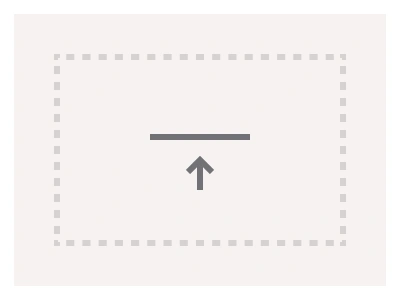
Build a file manager interface in Figma for desktop, tablet and mobile. Sidebar: a New button with an upload icon, links for My files, Shared, Recent, Starred and Trash, and a storage card at the bottom with a progress bar reading used of total space and an Upgrade link. Header: breadcrumbs showing the folder path, a search input, a view toggle for list and grid, and a sort select. Tabs: All, Documents, Images, Videos switching the table below. List view: a table with checkbox, file icon and name, owner avatar, last modified, size and a row-actions menu, folders listed first. Grid view: folder tiles and file cards with a thumbnail preview, name and size. Add a right-hand details panel that opens on selection with a large preview, properties and a share-with avatar group. Include a drag-and-drop upload zone with a dashed border and an upload progress toast. Collapse the sidebar on tablet and turn the table into cards on mobile.
Figma File Manager
File Manager
manager dashboard
example of file manager
file manager dashboard
Figma dashboard
Premium Figma UI Kit & design resources
Explore high-quality Figma components, templates, and UI elements.