Figma Calendars
Figma Calendars
Preview
Figma Calendar Blocks
Figma Calendar Template
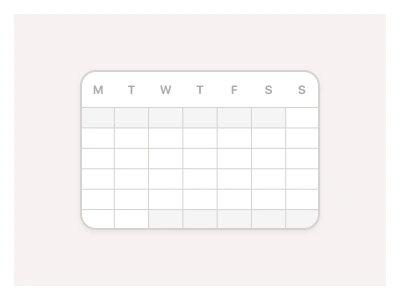
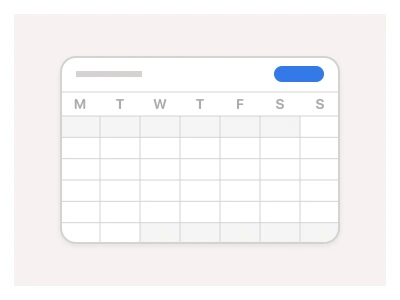
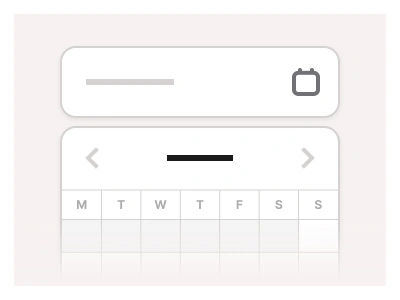
Calendar blocks display events, task schedules, and calendar dates, enabling an efficient time management UI. Calendar blocks are built with Calendar and Table components to enable an efficient layout for time management and reservations.
Calendar blocks are part of the Figma Website Builder component. This component allows you to quickly assemble websites in Figma Sites.
Calendars Anatomy
| Set | Variants | Properties |
|---|---|---|
| Calendar | 15 | Layout 01, 02, 03, 04, 05Size Desktop, Tablet, Mobile |
Calendar blocks are five page layouts — Layout 01 to 05 — each in Desktop, Tablet and Mobile sizes, assembled from the kit's Calendar and Calendar Sheet components for booking and scheduling sections.
Calendars AI Prompt
Paste this into Claude, ChatGPT, or Figma Make:
Build five calendar page blocks in Figma, each in Desktop, Tablet and Mobile widths. Layout 01: a booking section with a month calendar on the left and a list of available time slots on the right, ending in a Confirm booking button. Layout 02: a weekly schedule — seven day columns with hour rows and coloured event blocks spanning their duration. Layout 03: an events agenda — a date sidebar with a mini calendar and a scrolling list of event cards with time, title, location and attendee avatars. Layout 04: a reservation form with a date-range picker, guest count stepper and a price summary card. Layout 05: a team availability grid with member rows and day columns filled with status pills. Put a section heading and a short description above each block, keep the calendar grids as instances of the kit's Calendar components, and collapse side-by-side columns into a single stacked column on mobile.
Figma Calendar Blocks
Calendar Blocks
calendar template
calendar design
calendar blocks template
Website examples
Premium Figma UI Kit & design resources
Explore high-quality Figma components, templates, and UI elements.