Figma Imagery
Figma Imagery
Preview
Figma Imagery
Figma Image Styles
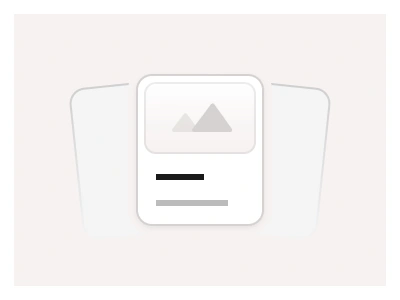
The Imagery page provides placeholders for graphic content, including images, videos, maps, and avatars. You can use these elements to prototype and visualize the look and vibe of the interface before integrating actual content.
The Imagery page supplies placeholder components for graphic content — images, video frames, maps and avatars — so layouts can be prototyped with the right proportions before real assets arrive.
Imagery AI Prompt
Paste this into Claude, ChatGPT, or Figma Make:
Build a set of media placeholder components in Figma. Image: a light grey frame with a centred mountain-and-sun icon, in aspect ratios 1:1, 4:3, 3:2, 16:9 and 21:9 and a Fill variant that stretches, with an optional caption line. Video: the image placeholder with a centred circular play button, a bottom progress bar and a duration badge in the corner. Map: a tile with faint street-grid lines, a centred location pin and a zoom control pair in the corner. Avatar: circle and square placeholders in six sizes with an initials variant. Logo: a rectangular grey block with a Logo label in two heights. Gallery: a two-by-two and a three-column arrangement of image placeholders with equal gutters. Give every placeholder a Loaded variant that swaps the grey fill for an image fill via instance swap, and a Skeleton variant with a shimmer gradient for loading states. Keep corners on a radius variable and fills on a surface variable so they match any theme.
Figma Imagery
Imagery
figma images
avatar ui
imagery styles
Styles
Premium Figma UI Kit & design resources
Explore high-quality Figma components, templates, and UI elements.