Figma Widgets
Figma Widgets
Preview
Figma Widgets
Figma Widgets Template
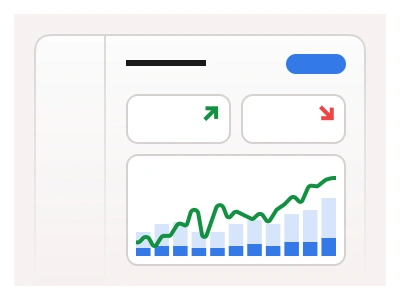
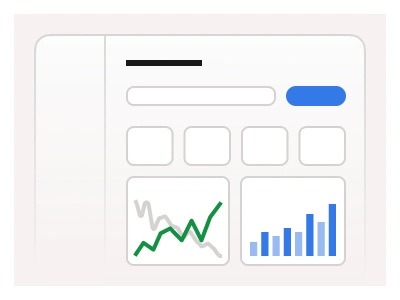
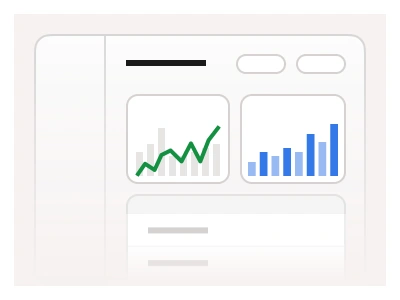
The Widgets dashboard template uses Cards and Figma widget components to display key metrics and data in a responsive layout, enabling a quick information overview.
The widgets dashboard template arranges the kit's widget cards — metric tiles, progress rings, mini charts and activity lists — into a responsive grid for a quick information overview.
Widgets Dashboard AI Prompt
Paste this into Claude, ChatGPT, or Figma Make:
Build a widgets dashboard in Figma for desktop, tablet and mobile. Shell: a left sidebar with Overview, Analytics, Projects, Team and Settings and a top bar with a search input, a notification bell with a badge and a user avatar. Grid: a twelve-column layout of widget cards in three sizes — one-third, half and full width. Row one: four metric tiles with a label, a large value, a delta badge and a sparkline. Row two: a half-width area chart of weekly activity with a range toggle, a one-third progress-ring card showing goal completion with a percentage in the centre, and a one-third list widget of upcoming tasks with checkboxes and due dates. Row three: a full-width table widget of recent projects with name, owner avatars, a progress bar, a status badge and a due date, and a one-third calendar widget of the current week with event dots. Give every card a header with a title and a more menu. On tablet make cards two per row; on mobile stack them full width. Bind colours to variables.
Figma Widgets
Figma Widgets
widgets dashboards
control panel
widgets dashboard
Figma dashboard
Premium Figma UI Kit & design resources
Explore high-quality Figma components, templates, and UI elements.