Figma Breadcrumbs
Figma Breadcrumbs
Preview
Figma Breadcrumbs
Figma Breadcrumbs Component
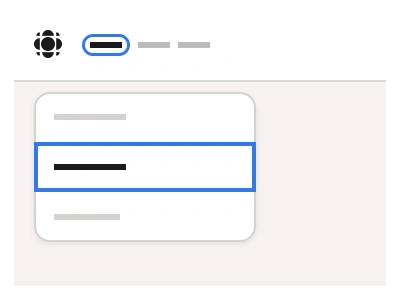
The Breadcrumbs component helps users navigate through your system by showing a list of connected links.
Tip: Use the breadcrumbs to reduce bounce rates by showing users their exact location within a website's hierarchy. This makes navigation intuitive, especially when users land on deep pages from search results.
Breadcrumbs UI Best Practices
Maintain a strict parent-child relationship in the hierarchy - never skip levels or create inconsistent paths.
Place breadcrumbs consistently in the same location on every page - typically near the top of the content area.
Keep the current (Focused) page non-clickable and visually distinct in style from Default breadcrumbs.
Breadcrumbs Anatomy
| Set | Variants | Properties | Copy to Figma |
|---|---|---|---|
| BreadcrumbsText | 24 | Type Chevron, SlashSize Small, Medium, LargeItems x2, x3, x4, x5 | |
| BreadcrumbsPill | 24 | Type Chevron, SlashSize Small, Medium, LargeItems x2, x3, x4, x5 |
Figma Breadcrumbs
Breadcrumbs
breadcrumbs ui figma
breadcrumbs example
breadcrumbs component
Interactive component