Figma E-commerce
Figma E-commerce
Preview
Figma E-commerce
Figma E-commerce Template
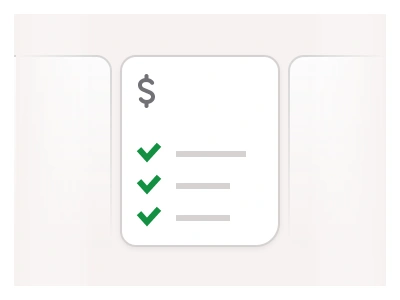
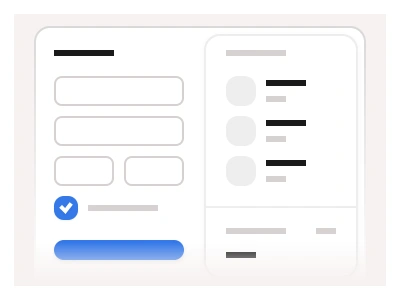
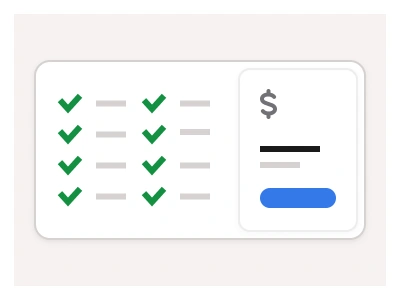
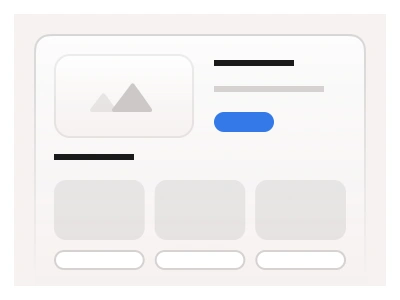
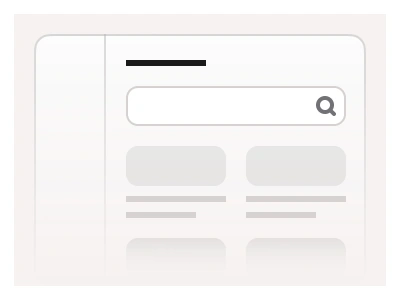
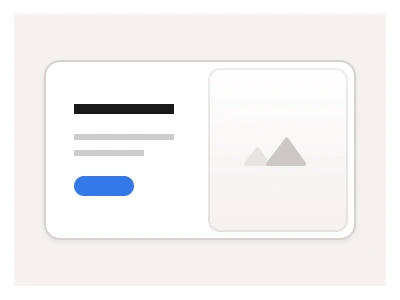
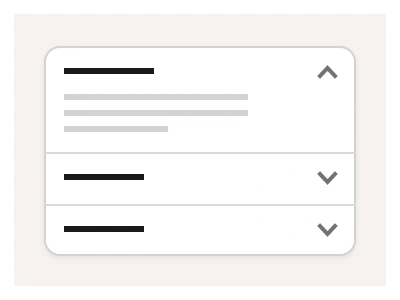
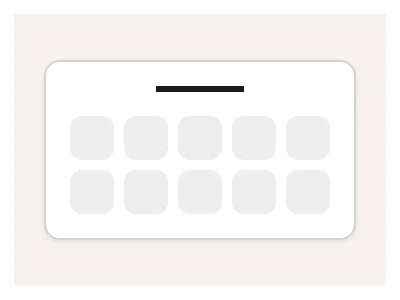
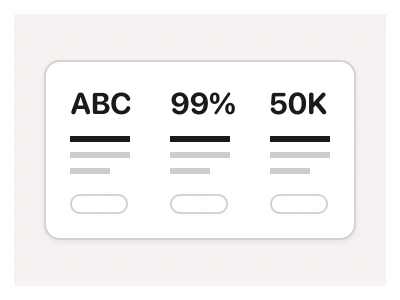
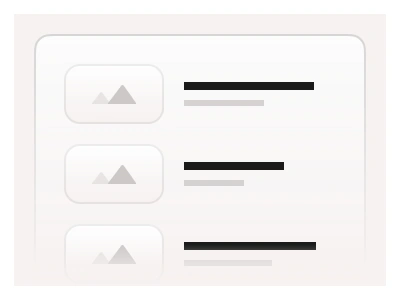
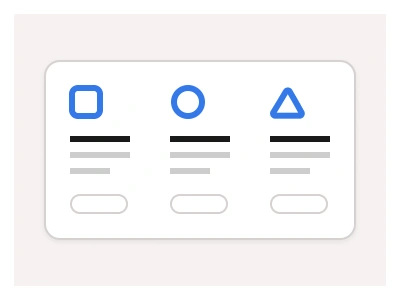
Frames X e-commerce blocks include three different layouts: Products, Cards, and Lists. All of them rely on Cards, Pagination, and Buttons to create responsive UI layouts for online stores, marketplaces, product catalogs, and shopping websites.
E-commerce blocks are part of the Figma Website Builder. This component allows you to quickly assemble websites with Figma Sites.
The e-commerce template ships three block layouts — Products, Cards and Lists — composed from the kit's card components for storefronts, marketplaces and product catalogues inside the Figma Website Builder.
E-commerce AI Prompt
Paste this into Claude, ChatGPT, or Figma Make:
Build e-commerce page blocks in Figma for desktop, tablet and mobile in three layouts. Products: a four-column grid of product cards with a square image, a wishlist heart icon, brand line, product name, star rating with a count, price with an optional strike-through sale price and an Add to cart button; a filter rail on the left with category checkboxes, a price range slider, colour swatches and size chips; a sort select and a result count above the grid. Cards: a three-column grid of larger editorial cards with a tall image, a collection name and a Shop now link, for curated collections. Lists: a single-column list where each product is a horizontal row with a thumbnail, name, short description, stock badge, price and a quantity counter, for compare and cart views. Add a category header with breadcrumbs and a banner slot. Drop to two columns on tablet and one on mobile with the filter rail collapsing into a Filters button that opens a drawer.
Figma E-commerce
Figma E-commerce
figma ecommerce template
ecommerce figma ui kit
figma ecommerce ui kit free
Website examples
Premium Figma UI Kit & design resources
Explore high-quality Figma components, templates, and UI elements.