Figma Chat
Figma Chat
Preview
Figma Chat
Figma Chat Component
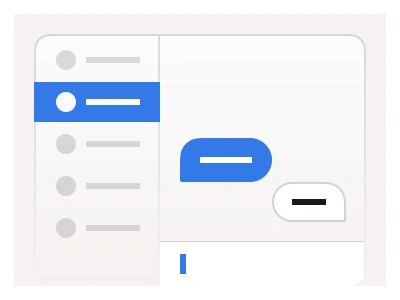
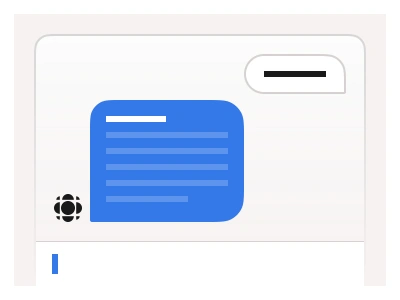
The Chat component is the message bubble set behind every conversation in the kit, from people-to-people messaging to the AI chat UI kit. The Chat UI helps to create message sequences by stacking multiple instances. The chat component set includes variants for different message types and directions.
Use multiple chat components to create practical and responsive messaging UIs. Combine them with an Input component to build a functional chat interface.
The chat set is the message bubble family behind every conversation UI in the kit — bubble variants by message type and direction that stack into threads and pair with the Input component for a working messenger.
Chat AI Prompt
Paste this into Claude, ChatGPT, or Figma Make:
Build a chat message system in Figma as a bubble component set plus a composed thread. Bubble: a rounded message with a Direction property — Incoming aligned left in a light grey fill, Outgoing aligned right in the accent fill with white text — and a Type property for Text, Image with a rounded picture, File with an icon, name and size, Link with a preview card, Voice with a waveform and play button, and System for centred grey status lines. Add a Grouped boolean that tightens the corner on consecutive bubbles from the same sender and hides the repeated avatar, a timestamp caption under the last bubble, and read receipts with one or two ticks. Build a date divider chip and a typing indicator with three animated dots. Compose a thread frame: a header with avatar, name, online status and call icons, a scrolling list of bubbles grouped by sender, and a bottom composer with attachment, emoji and send buttons around an Input instance. Make it work at desktop panel width and full mobile width.
Figma Chat
Chat
figma chat ui
chat ui design figma
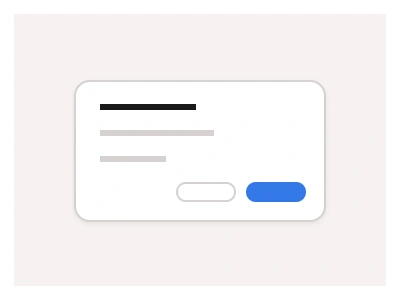
chat dialog box
Interactive component
Premium Figma UI Kit & design resources
Explore high-quality Figma components, templates, and UI elements.