Figma Player
Figma Player
Preview
Figma Player
Figma Player Component
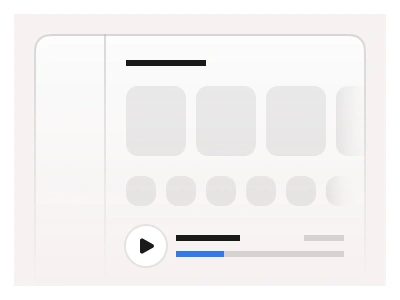
The Player component lets you display and control video and audio content through a customizable interface. Its properties can be adjusted to match your website or application's design style.
Player Anatomy
| Set | Variants | Properties |
|---|---|---|
| PlayerAudio | 4 | Type Chrome, SafariState Default, Disabled |
| PlayerVideo | 3 | Type Youtube, Chrome, Safari |
The player family is two sets — PlayerAudio in Chrome and Safari styles with Default and Disabled states, and PlayerVideo in YouTube, Chrome and Safari styles — browser-native and platform-styled media controls for prototypes.
Player AI Prompt
Paste this into Claude, ChatGPT, or Figma Make:
Build media player components in Figma as two sets. PlayerAudio: a compact audio bar in Chrome style — a play button, elapsed and total time, a thin seek bar with a round handle, a volume icon and a more menu on a grey pill — and Safari style with its rounded light control strip, each in Default and Disabled states at reduced opacity. PlayerVideo: a 16:9 video frame with three control styles — YouTube with a red progress bar, big centred play button, bottom row of play, volume, time, settings, miniplayer and full-screen icons; Chrome with the native dark control bar; and Safari with its translucent floating controls. Add Booleans for a poster image, a buffering spinner, captions and a chapter marker row. Build a demo card placing the audio player under a podcast episode title and the video player inside a lesson page. Keep the seek bar as a resizable fill so any position can be set, and bind the control colours to variables for dark surfaces.
Figma Player
Player
player example
player component
figma player
Interactive component
Premium Figma UI Kit & design resources
Explore high-quality Figma components, templates, and UI elements.