Figma Feedback
Figma Feedback
Preview
Figma Feedback
Figma Feedback Component
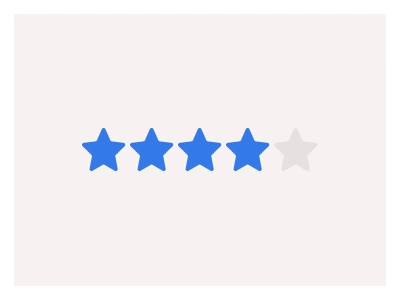
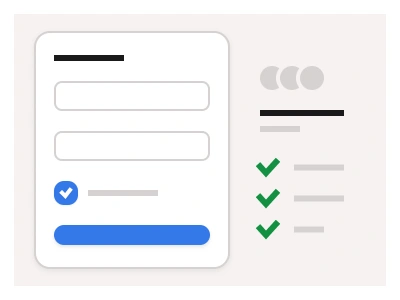
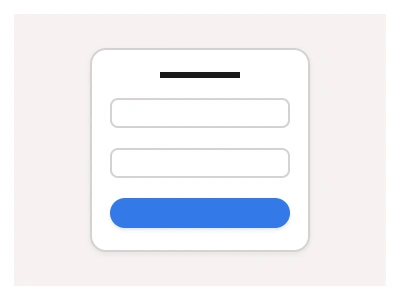
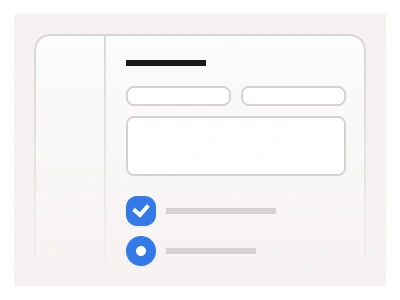
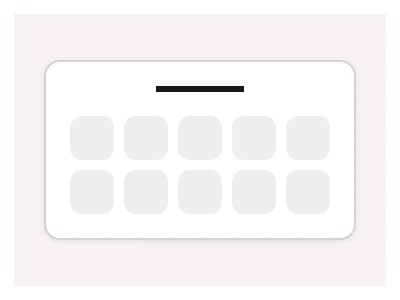
The Feedback component communicates the results of an interaction for the user. It offers the option to give feedback or leave a review based on a rating scale inside the interface.
The Feedback Figma component can be combined with other UI components, such as Modals and Cards, to implement the feedback functionality into other screens and layouts across the UI kit.
Feedback Anatomy
| Set | Variants | Properties |
|---|---|---|
| FeedbackEmoji | 12 | Size Small, Medium, Large, XLItems x3, x4, x5 |
| FeedbackNumeric | 12 | Size Small, Medium, LargeItems x3, x4, x5, x10 |
| FeedbackButton | 9 | Size Small, Medium, LargeItems x3, x4, x5 |
The feedback family covers numeric rating scales at 36 to 72px with Default, Hover and Focused states, emoji scales of 3 to 5 faces, and FeedbackButton cards at 66 to 100px — with 3, 4, 5 or 10 choices for surveys and reviews.
Feedback AI Prompt
Paste this into Claude, ChatGPT, or Figma Make:
Build a feedback rating component in Figma as three sets. FeedbackNumeric: a row of 3, 4, 5 or 10 square number buttons in Small 36, Medium 44, Large 58 and XL 72px sizes, each button with Default, Hover and Focused states — Hover tints, Focused fills with the accent and white text — and low and high anchor labels beneath the ends. FeedbackEmoji: a row of 3, 4 or 5 face icons from frowning to grinning in four sizes, the selected face enlarged and coloured, the rest grey. FeedbackButton: larger bordered cards at Small 66, Medium 78 and Large 100px holding an emoji or icon and a label such as Bad, Okay and Great, in rows of 3 to 5, with Default, Hover and Focused states. Add a question line above each scale and an optional comment textarea with a Submit button below. Wire the buttons as interactive components so clicking one sets Focused and clears the others, and bind colours to variables.
Figma Feedback
Feedback
feedback component
figma feedback
feedback ui
Interactive component
Premium Figma UI Kit & design resources
Explore high-quality Figma components, templates, and UI elements.