Figma Time Picker
Figma Time Picker
Preview
Figma Time Picker
Figma Time Picker Component
The time picker component allows users to select a specific time of day. It is included in default and compact mobile-friendly variants. Time pickers are used in scheduling interfaces, Calendar blocks, and appointment forms where precise time selection is needed.
Time Picker Anatomy
| Set | Variants | Properties |
|---|---|---|
| TimePicker | 24 | Type Secondary, DefaultSize Large, Medium, SmallState Disabled, Focused, Hover, Default |
| TimePickerCompact | 6 | Type Tabs, SelectSize Small, Medium, Large |
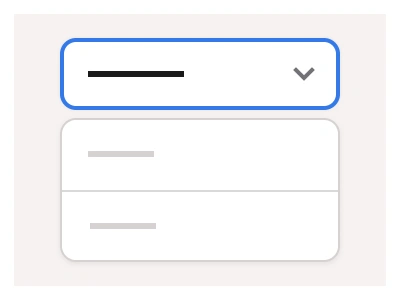
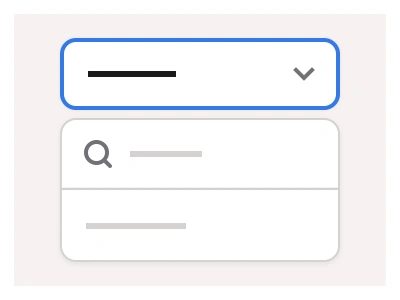
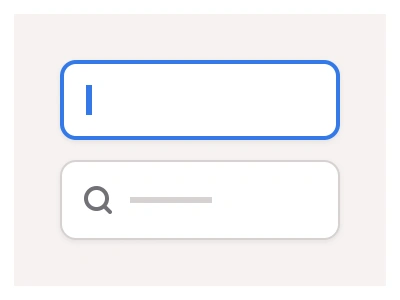
The file shows the picker in Default and Secondary types, Small, Medium and Large sizes, states Default, Hover, Active with an open hour list, and Disabled, in light and dark mode, plus a compact variant with hour and minute fields and an AM/PM toggle in Tabs and Select styles.
Time Picker AI Prompt
Paste this into Claude, ChatGPT, or Figma Make:
Build a Time Picker component in Figma. Default type: a text field showing 00:00 with a clock icon on the right, hairline border, in Small, Medium and Large sizes; Secondary type: the same field with an underline instead of a box. States: Default, Hover with a light grey fill, Active with a 2px blue border and an open list of hours 10:00 AM to 15:00 AM in a white panel with a shadow, and Disabled in light grey with a chevron. Then a TimePickerCompact in two types: Tabs, with an hour field, a colon, a minute field and an AM/PM segmented toggle; and Select, with the same fields and an AM dropdown. Compact sizes 36, 44 and 56px. Make a dark mode variant with a near-black field and panel.
Figma Time Picker
Time Picker
time picker
time picker component
figma time picker
Interactive component
Premium Figma UI Kit & design resources
Explore high-quality Figma components, templates, and UI elements.