Figma Settings
Figma Settings
Preview
Figma Settings
Figma Settings Template
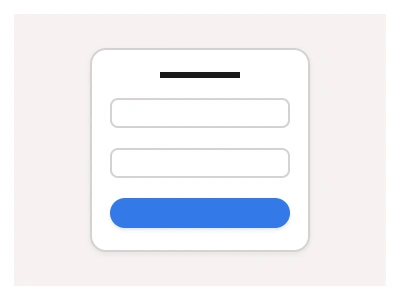
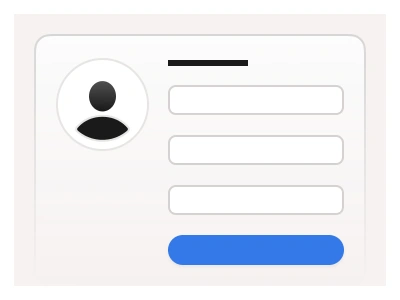
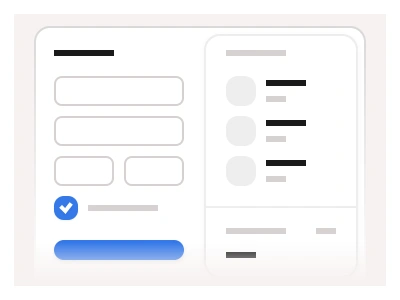
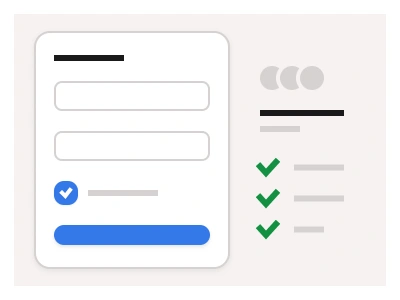
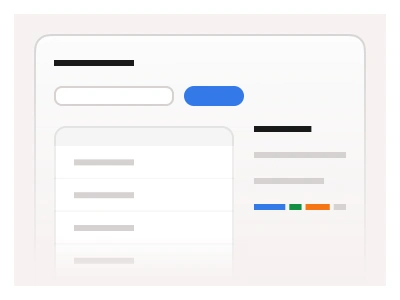
The settings dashboard includes an organized UI for managing website and domain settings. It can be used to create a website builder interface or showcase users' website information.
The Settings page is designed using Input and Buttons components with a resizable layout that fits any screen resolution.
The settings template is a website and domain management dashboard — grouped settings sections with resizable form layouts that fit any screen, usable as a website-builder admin or a site-information page.
Settings AI Prompt
Paste this into Claude, ChatGPT, or Figma Make:
Build a website settings dashboard in Figma for desktop, tablet and mobile. Shell: a left sidebar with the site name and favicon, links for General, Domains, SEO, Integrations, Team and Billing, and a Publish primary button. General: a card with Site name and Site description inputs, a Timezone select, a Language select and a Favicon uploader with preview. Domains: a table of connected domains with name, a status badge for Active, Pending and Error, SSL state and a row menu, an Add domain input with a Connect button, and a DNS records panel listing type, name, value and a copy icon. SEO: Title and Meta description inputs with character counters and a live search-result preview card, an Open Graph image uploader and a Sitemap toggle. Team: a members table with avatar, name, email, role select and a Remove link, plus an Invite form. Each card ends with Cancel and Save changes buttons. Collapse the sidebar to icons on tablet and stack everything on mobile with a top select for sections.
Figma Settings
Figma Settings
settings page ui figma
settings dashboard
account template
Figma dashboard
Premium Figma UI Kit & design resources
Explore high-quality Figma components, templates, and UI elements.