Figma Storefront
Figma Storefront
Preview
Figma Storefront
Figma Store Template
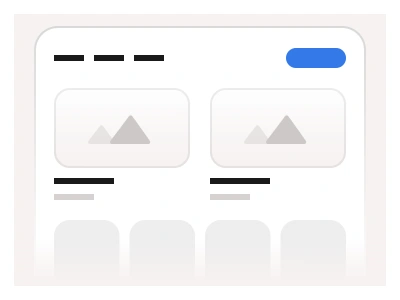
The Storefront is an e-commerce template built for online stores, marketplaces, and local businesses. It showcases products across multiple categories using Product Cards and Tabs, with Text Input components for product search and filtering.
The storefront template comes in desktop, tablet and mobile frames: a hero with an image carousel and a delivery-address search, category chips with a sort select, three horizontal product rows (Fastest delivery, Best products, Categories), an Upgrade to Pro block, a four-item feature strip and a footer.
Storefront AI Prompt
Paste this into Claude, ChatGPT, or Figma Make:
Build an e-commerce storefront landing page in Figma for desktop, tablet and mobile. Header: logo, Home, Products, Pricing and Contact dropdown menus, a Login secondary button and a Sign Up primary blue button. Hero: an image carousel on the left with prev and next arrows and dot indicators; on the right the headline Discover the best places & stores nearby, a short paragraph, a Delivery address labelled input with a location icon and a blue Search button. Below: a row of filter chips (Nearest to me selected, Restaurants, Stores, Events, Toys & Gifts) and a Sort by Featured select on the right. Three sections, each with a title, prev and next arrows and a Show All button: Fastest delivery and Best products hold three product cards (image, Product Name, two-line placeholder, Learn more button); Categories holds three image cards with a Category Name caption. Then a centred Upgrade to Pro block with a Get Started for Free button, a four-item feature strip with icons, and a footer with the company logo and copyright. On mobile stack the hero and show one card per row.
Figma Storefront
Figma Store
ecommerce website
store dashboard
figma store
Figma dashboard
Premium Figma UI Kit & design resources
Explore high-quality Figma components, templates, and UI elements.