Figma Account
Figma Account
Preview
Figma Account
Figma Account Template
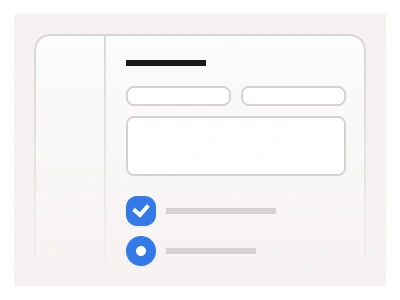
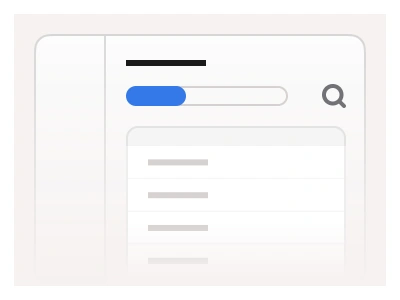
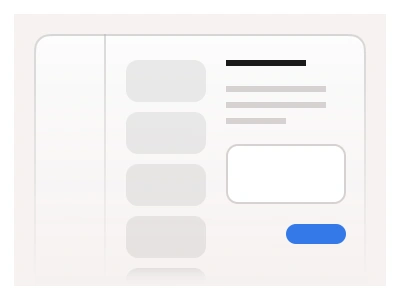
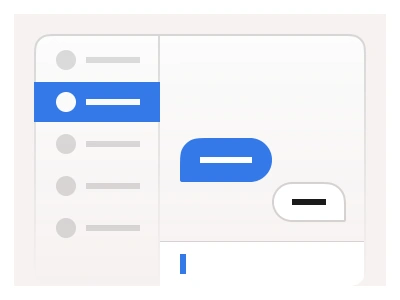
The account template provides a unified settings interface, letting users manage their profile, preferences, and system settings through a clear, organized form controls UI. The dashboard includes a dedicated settings section with Figma Inputs for editing user details and a left-docked Sidebar Menu for app navigation.
The account template is a settings dashboard: a left-docked navigation rail, a dedicated settings section built from the kit's form controls for editing user details, preferences and system options.
Account AI Prompt
Paste this into Claude, ChatGPT, or Figma Make:
Build an account settings page in Figma for desktop, tablet and mobile. Desktop: a left-docked navigation rail with the user's avatar, name and email at the top, then links for Profile, Preferences, Notifications, Security, Billing and Team, the active one highlighted. Main column: a page title, a short description, then stacked settings cards. Profile card: avatar with a Change photo button, First name and Last name inputs side by side, Email and Username inputs, a Bio textarea with a character counter. Preferences card: Language and Timezone selects, a Theme segmented control (System, Light, Dark), toggles for email digests and product updates. Security card: a Change password row with a button, a Two-factor authentication toggle with status badge, a list of active sessions with device, location and a Revoke link. Danger zone: a bordered card with a red Delete account button. Each card ends with Cancel and Save changes buttons right-aligned. Tablet collapses the rail to icons; mobile moves navigation into a top select and stacks every input full-width.
Figma Account
Figma Account
figma dashboard
account dashboard
figma account
Figma dashboard
Premium Figma UI Kit & design resources
Explore high-quality Figma components, templates, and UI elements.